



 Grade A
- i7-8750H (8th Gen)
- 16GB RAM
- 512GB SSD
- 15.6" display
R7 750.00 ex. VAT

Every laptop here has a dedicated NVIDIA graphics card
Refurbished laptops for video editing and graphic design in South Africa: mobile workstations and gaming laptops with a dedicated NVIDIA graphics card and a high-performance H-series Intel processor, professionally tested, with genuine Windows Pro and a 1-year warranty.
Grade A
R7 750.00 ex. VAT
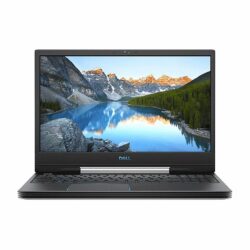 Grade A
R8 950.00 ex. VAT
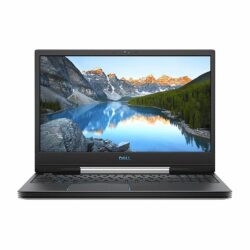 Grade A
R9 950.00 ex. VAT
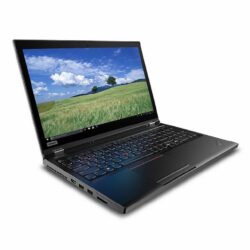 Grade A
R11 450.00 ex. VAT
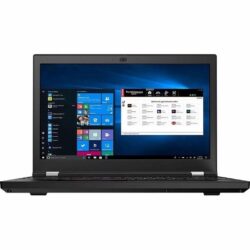 Grade B
R12 250.00 ex. VAT
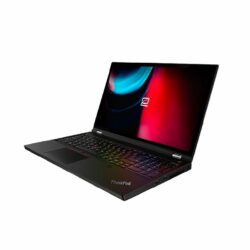 Grade B
R14 350.00 ex. VAT
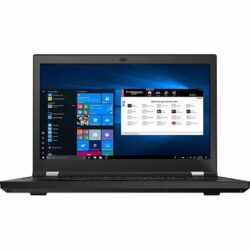 Grade A
R14 450.00 ex. VAT
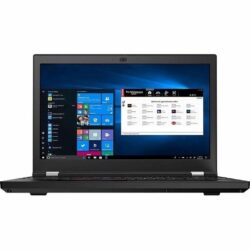 Grade A
R14 450.00 ex. VAT
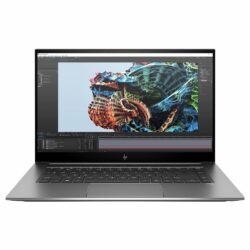 Grade A
R16 950.00 ex. VAT
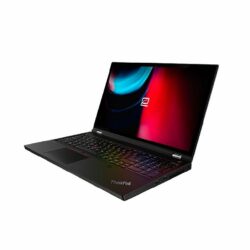 Grade A
R16 950.00 ex. VAT
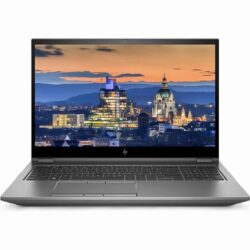 Grade A
R19 450.00 ex. VAT
Nothing matches that combination right now. Stock changes weekly, so try widening the price range or clearing a filter, or tell us what you need and we will let you know when it lands.
Stock and prices sync from our warehouse system every two hours. Last updated 26 October 2026 at 09:28.
Laptops with a dedicated graphics card cost far more new than standard business laptops. Buying refurbished brings an HP ZBook, Lenovo ThinkPad P or Dell G5 within reach, with the graphics card, cooling and processor that editing software needs. Every laptop on this page is professionally tested, ships with genuine Microsoft Windows Professional and carries a 1-year warranty.
Editing mostly at one desk? A desktop workstation gives more performance for the money. If you also run CAD or 3D software, see our mobile workstations, and if you game as well, our budget gaming laptops. For more detail, read are refurbished laptops good for graphic design and video editing.
Editing software leans on four parts of a laptop. Here is what Adobe lists for Premiere, and how our laptops compare.
Adobe Premiere lists 4GB of GPU memory as its minimum and 8GB as recommended. The NVIDIA cards in our laptops, from the GeForce GTX 1650 to the Quadro P1000, T1000 and T1200, have 4GB or more, which suits HD editing.
Adobe recommends 16GB of RAM for HD media and 32GB or more for 4K. Each listing shows the RAM, and our mobile workstations typically have 32GB.
Encoding and exporting work the processor hard. Every laptop on this page has a high-performance H-series Intel Core chip rather than a low-power U-series one, and 11th generation models meet Adobe's recommended processor spec.
Adobe recommends a fast internal SSD for the app and cache. Every laptop has an SSD; for big projects, keep footage on a fast external drive or ask us to quote a larger SSD.
A mobile workstation such as the HP ZBook 15 G8 or Lenovo ThinkPad P15, with an H-series Core i7, 32GB of RAM and a professional NVIDIA graphics card. On a lower budget, a Dell G5 gaming laptop with a GeForce card meets Adobe Premiere's minimum graphics spec for HD editing.
Yes, with some planning. Adobe recommends 32GB of RAM and 8GB of GPU memory for 4K in Premiere. Our workstations have 32GB, but their graphics cards have 4GB, so for regular 4K work edit with proxy files, or consider a desktop workstation with a larger graphics card.
Yes. Photoshop, Illustrator and InDesign run well on any of these laptops. For print and layout work alone you do not need a dedicated graphics card, so a Core i7 business laptop with 16GB of RAM is also an option.
Both work. A mobile workstation has a professional NVIDIA card certified for professional software and usually more RAM. A gaming laptop costs less and its GeForce card is well supported by editing software. Choose by budget, and by whether you also run CAD or 3D tools.
Yes. Every laptop ships with genuine, activated Microsoft Windows Professional and is covered by our 1-year warranty.
Tell us the software you use, the resolution you edit in and your budget, and we will recommend a laptop from current stock.
Talk to us