



Micro Tower
- i3-8100 (8th Gen)
- 8GB RAM
- 256GB SSD
R4 250.00 ex. VAT

Desktop PCs that meet Microsoft's Windows 11 requirements
Refurbished Windows 11 computers in South Africa: ex-corporate HP, Dell and Lenovo desktops and mini PCs with an 8th generation or newer Intel Core processor, the hardware Microsoft requires for Windows 11, shipped with genuine Windows 11 Pro.
R4 250.00 ex. VAT
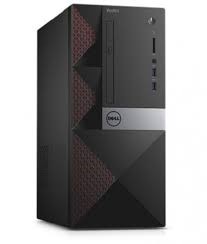
R4 250.00 ex. VAT
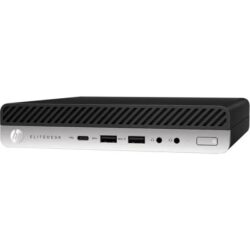
R4 250.00 ex. VAT
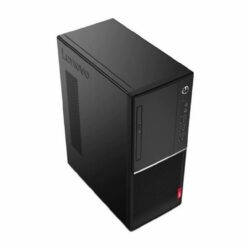
R4 250.00 ex. VAT

R4 750.00 ex. VAT

R4 750.00 ex. VAT
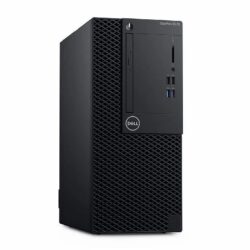
R4 750.00 ex. VAT

R4 750.00 ex. VAT
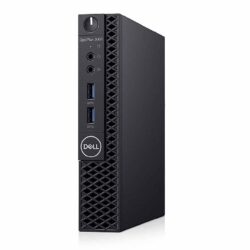
R4 950.00 ex. VAT
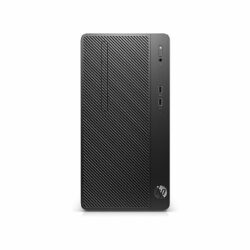
R4 950.00 ex. VAT
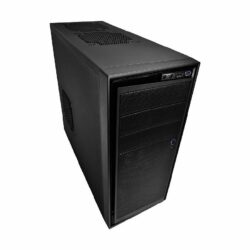
R4 950.00 ex. VAT
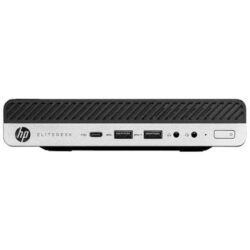
R4 950.00 ex. VAT

R4 950.00 ex. VAT

R5 250.00 ex. VAT

R5 450.00 ex. VAT

R5 450.00 ex. VAT
R5 450.00 ex. VAT
R5 450.00 ex. VAT
R5 450.00 ex. VAT
R5 450.00 ex. VAT
R5 950.00 ex. VAT
R5 950.00 ex. VAT

R5 950.00 ex. VAT

R5 950.00 ex. VAT
R5 950.00 ex. VAT

R5 950.00 ex. VAT
R5 950.00 ex. VAT

R5 950.00 ex. VAT

R5 950.00 ex. VAT
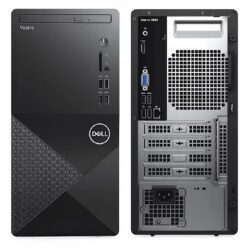
R5 950.00 ex. VAT
R5 950.00 ex. VAT

R6 450.00 ex. VAT

R6 950.00 ex. VAT
R6 950.00 ex. VAT
R6 950.00 ex. VAT
R6 950.00 ex. VAT
R7 499.00 ex. VAT
R7 950.00 ex. VAT
R7 950.00 ex. VAT
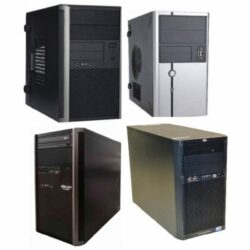
R8 950.00 ex. VAT
Nothing matches that combination right now. Stock changes weekly, so try widening the price range or clearing a filter, or tell us what you need and we will let you know when it lands.
Stock and prices sync from our warehouse system every two hours. Last updated 20 October 2026 at 01:28.
Microsoft stopped free security updates for Windows 10 on 14 October 2025, and most computers with a 7th generation or older processor cannot be upgraded to Windows 11. A refurbished business desktop with an 8th generation or newer Intel Core processor is the most affordable way to move across. Every computer on this page is an ex-corporate HP, Dell or Lenovo machine, tested, securely wiped and graded, with genuine Windows 11 Pro and a 1-year warranty.
| Requirement | Microsoft minimum | What we recommend |
|---|---|---|
| Processor | A supported CPU (Intel 8th generation Core or newer) | Core i5 for most office users |
| Memory | 4GB of RAM | 8GB, or 16GB for heavy multitasking |
| Storage | 64GB | A 256GB SSD or larger |
| Security | TPM 2.0 and UEFI with Secure Boot | Keep Secure Boot switched on in the BIOS |
Replacing several Windows 10 machines at once? Our business and bulk orders team can quote matched computers for a whole office.
Every computer on this page meets Microsoft's processor requirement for Windows 11. The generation tells you how new the processor is: higher is newer and faster.
The most affordable way onto Windows 11. A Core i3 or Core i5 from these generations handles Office, email, browsing, accounting software and video calls comfortably.
A step up in speed, and a good choice if you want the computer to stay current for several more years of Windows 11 updates.
Our newest desktops, for heavier multitasking, large spreadsheets and light creative work.
Microsoft requires a supported processor (for Intel, broadly the 8th generation Core or newer), TPM 2.0, UEFI with Secure Boot, at least 4GB of RAM and 64GB of storage. Business desktops from about 2018 onward, such as the HP ProDesk 400 G5, Dell OptiPlex 7060 and Lenovo ThinkCentre M720, meet these requirements.
Yes. They are supplied with genuine Microsoft Windows 11 Pro, activated and ready to use.
Microsoft stopped free security updates for Windows 10 on 14 October 2025. A Windows 10 computer still works, but it no longer gets those security fixes. Most computers with a 7th generation or older processor cannot be upgraded to Windows 11, so a refurbished 8th generation or newer machine is often the cheapest way to move across.
Run Microsoft's free PC Health Check app, which tells you whether your computer meets the Windows 11 requirements and which part does not. The processor is the most common reason older computers fail the check.
For office work, browsing and email, yes. An 8th generation or newer Core i3 with 8GB of RAM and an SSD runs Windows 11 well. Choose a Core i5 if you keep many programs open at once or work with large files.
Tell us how many computers you need to replace and what your staff run. We will quote matched Windows 11 machines, delivered anywhere in South Africa or collected from a branch.
Get a bulk quote