




News
Are Refurbished Laptops Good for Graphic Design and Video Editing?
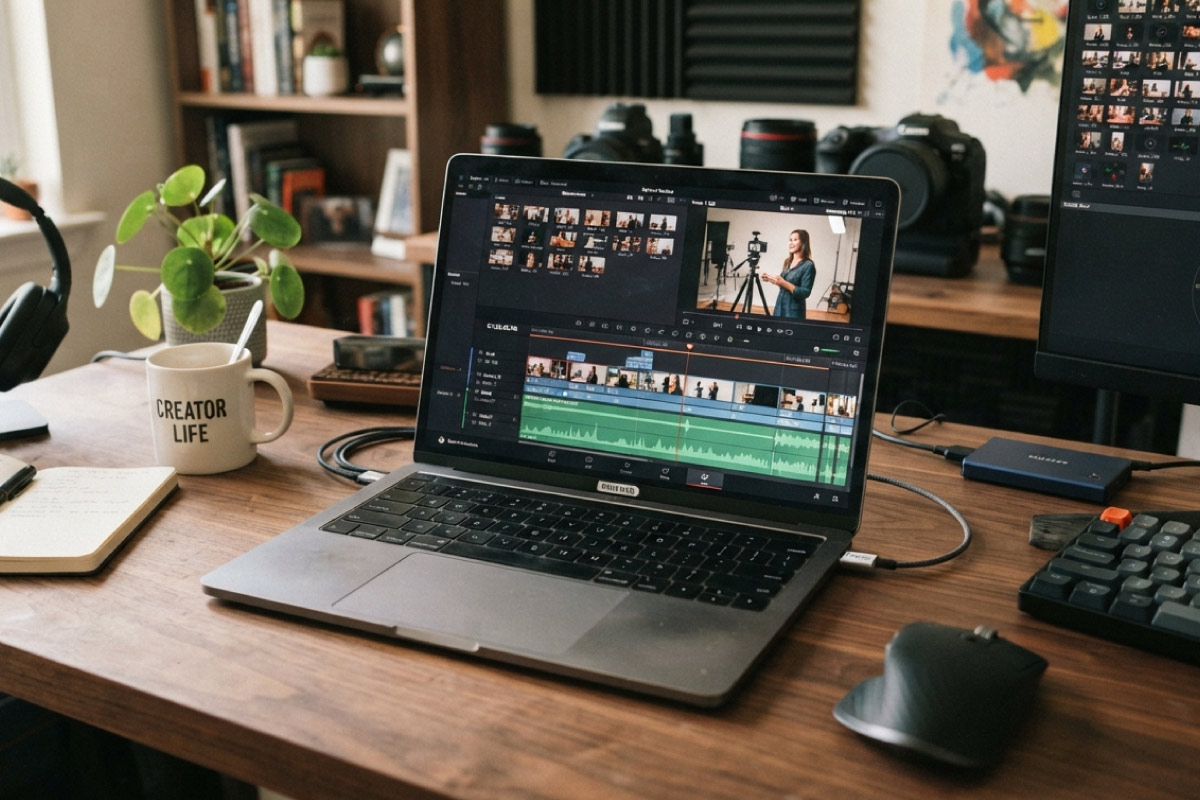
Refurbished laptops handle graphic design and video editing well, provided you buy the right class of machine. The mistake most people make is shopping by price alone and ending up with a thin ultrabook that throttles ten minutes into a render. Ex-corporate mobile workstations solve that, and they land at a fraction of what the same spec costs new.
Quick answer: yes for design and 1080p editing on a Core i7 business laptop, and yes for 4K work on a refurbished mobile workstation with a dedicated GPU. Avoid slim Core i3 machines for anything beyond light layout work.
Key takeaways
- RAM and storage speed limit creative work more often than the processor does.
- A Lenovo ThinkPad P15 G1 with a Core i7-10850H comes in around R14 087.50 including VAT at the time of writing, against many times that new.
- Photoshop, Illustrator and InDesign run comfortably on a good Core i7 business laptop.
- Premiere Pro and DaVinci Resolve want a dedicated GPU, and that means a workstation-class chassis.
- Colour accuracy is about the panel, not the price, so check the display specification carefully.
What each type of creative work actually needs
Design and editing are not one workload. Splitting them out saves you from overbuying or underbuying, and it narrows a long list of refurbished laptops down to a handful of real candidates.
- Layout, branding and print artwork. Illustrator and InDesign lean on single-core speed and RAM. A Core i7 business laptop with 16GB is plenty.
- Photo retouching. Large layered PSDs eat RAM. Target 16GB minimum, 32GB if you work on billboard sizes.
- 1080p video editing. A six-core or eight-core H-series chip with 16GB and fast NVMe storage will cut and export without drama.
- 4K editing, motion graphics, 3D. You want a dedicated GPU and 32GB. This is workstation territory.
Why H-series matters more than the number on the box
Two laptops can both say Core i7 and perform nothing alike. A U-series chip is tuned for battery life in a thin chassis. An H-series chip is tuned for sustained load, and it sits in a body with the cooling to match.
A Dell 5590 with a Core i7-9750H, at roughly R11 442.50 including VAT, will hold its clock speed through a long export where a slim ultrabook drops off after a few minutes. If you are still narrowing down the processor, the Core i7 laptop listings are the right place to start comparing.
Tip: look for the letter after the model number. H means performance, U means efficiency. It tells you more about render times than the i5 or i7 badge does.
Mobile workstations worth knowing
The HP ZBook and Lenovo ThinkPad P series were built for CAD, rendering and video, and they come off corporate leases in good condition. An HP ZBook 15 G7 with a Core i7-10850H is about R16 617.50 including VAT. A Lenovo ThinkPad P53 with a Core i7-9850H is closer to R13 167.50.
These are heavier than a Latitude or an EliteBook and the batteries do not last as long, which is the trade for the cooling and the discrete graphics. Our workstation range covers both the mobile and the tower side, so it is worth comparing the two before you settle.
Storage and memory are where you win
The single biggest speed complaint we hear from designers is scratch disk performance, not processor speed. Scrubbing a timeline off a mechanical drive feels broken no matter what CPU sits behind it.
Get the machine onto NVMe storage, keep at least 20 percent of the drive free for scratch and cache, and add RAM before you add cores. Our guide on moving a refurbished laptop to an SSD covers the practical side if your unit is not there yet.

Colour accuracy and the screen question
Business laptops are built for spreadsheets, not for print proofing. Many ship with 45 percent NTSC panels that look washed out next to a proper design display.
Two ways around it. Buy a model with an upgraded panel where one is specified, or, better for most studios, calibrate on an external monitor and treat the laptop screen as secondary. We wrote up what to look for in picking a second-hand monitor, and for colour work the panel type matters far more than the size.
When a desktop beats a laptop for creative work
If you edit from one desk, a tower gives you more performance per rand and far better thermals. A Dell 5080 tower with a Core i7-10700 is about R10 292.50 including VAT, and it will out-render most laptops at that price because it has room to breathe.
Towers also upgrade properly. You can add RAM, drives and in many cases a graphics card later, which you cannot do on a sealed laptop. Plenty of studios run a tower from the Core i7 desktop range as the editing bay and keep a lighter laptop for client visits. If that split suits how you work, price the tower first, since a refurbished desktop absorbs the heavy jobs and lets you spend less on the travel machine.
Frequently asked questions
Can a refurbished laptop run Adobe Creative Cloud?
Yes. Creative Cloud runs on any current Windows 11 Pro machine that meets Adobe minimum specs, and every laptop we sell ships with genuine Windows 11 Pro. Match the hardware to the specific apps you use rather than to the suite as a whole.
Do I need a dedicated graphics card for design work?
Not for print and layout. Photoshop and Illustrator lean mostly on the processor and RAM. You need discrete graphics for video editing, motion graphics and 3D, where the GPU does the heavy lifting.
Is a Grade B machine good enough for professional work?
Yes. Grade B means light cosmetic marks on the casing, nothing that touches performance. The internals are tested the same way as Grade A. If the laptop mostly sits on your desk, Grade B is the value pick.
What warranty do I get on a refurbished workstation?
A 1-year warranty and a 7-day return window, the same as any other machine in our range.
Creative work punishes the wrong laptop quickly, and it rewards a well-chosen one for years. Decide whether you are doing layout, photo, or video first, then buy the class of machine that matches. Refurbished is where that logic pays off most, because the workstation you could not justify new becomes very reasonable second time round.