



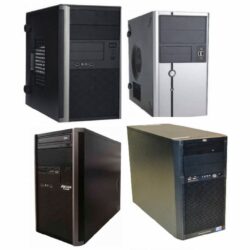
Tower
- Intel Core 2 Duo
- 2GB RAM
- 160GB HDD
R750.00 ex. VAT

Matched desktops, mini PCs and thin clients for every seat
Refurbished call centre computers for South African contact centres: ex-corporate HP, Dell and Lenovo desktops, mini PCs and thin clients under R5 000 ex VAT, supplied as matched units so every agent seat runs the same machine.
R750.00 ex. VAT
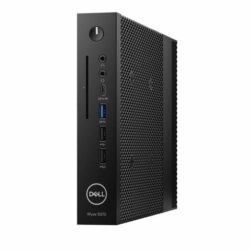
R950.00 ex. VAT
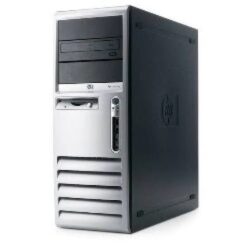
R950.00 ex. VAT

R950.00 ex. VAT
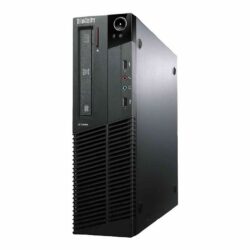
R1 250.00 ex. VAT
R1 250.00 ex. VAT
R1 450.00 ex. VAT
R1 450.00 ex. VAT
R1 450.00 ex. VAT
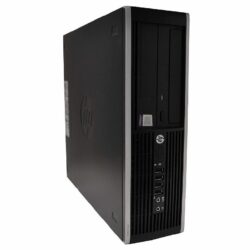
R1 450.00 ex. VAT
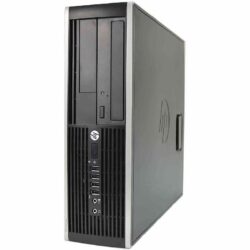
R1 450.00 ex. VAT
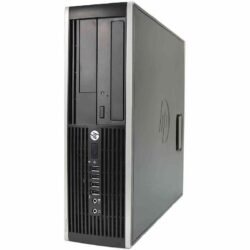
R1 450.00 ex. VAT
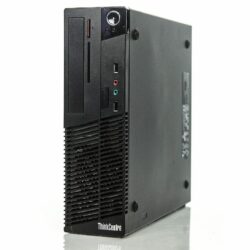
R1 450.00 ex. VAT
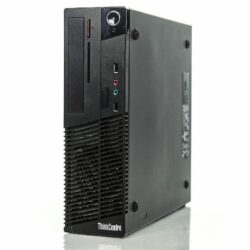
R1 450.00 ex. VAT
R1 450.00 ex. VAT
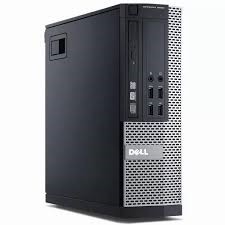
R1 450.00 ex. VAT

R1 450.00 ex. VAT
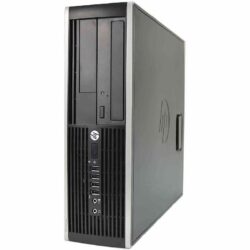
R1 450.00 ex. VAT
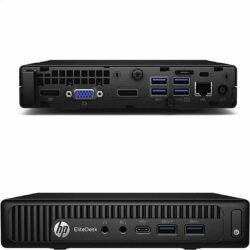
R1 500.00 ex. VAT
R1 850.00 ex. VAT
R1 850.00 ex. VAT

R1 850.00 ex. VAT
R1 850.00 ex. VAT

R1 850.00 ex. VAT

R1 850.00 ex. VAT

R1 850.00 ex. VAT
R1 850.00 ex. VAT
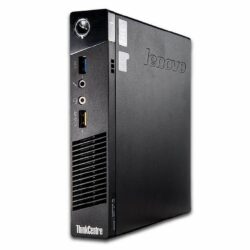
R1 850.00 ex. VAT
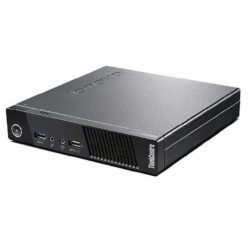
R1 850.00 ex. VAT
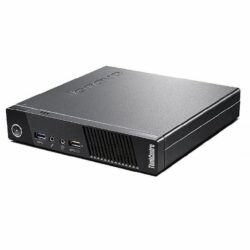
R1 850.00 ex. VAT
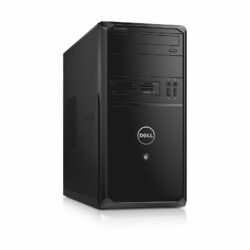
R1 850.00 ex. VAT
R1 850.00 ex. VAT
R1 850.00 ex. VAT
R1 850.00 ex. VAT

R1 850.00 ex. VAT
R1 850.00 ex. VAT
R1 850.00 ex. VAT
R2 250.00 ex. VAT
R2 250.00 ex. VAT
R2 250.00 ex. VAT
R2 250.00 ex. VAT
R2 250.00 ex. VAT
R2 250.00 ex. VAT
R2 250.00 ex. VAT
R2 250.00 ex. VAT

R2 250.00 ex. VAT
R2 250.00 ex. VAT
R2 250.00 ex. VAT
R2 450.00 ex. VAT
R2 450.00 ex. VAT
R2 450.00 ex. VAT
R2 450.00 ex. VAT
R2 450.00 ex. VAT
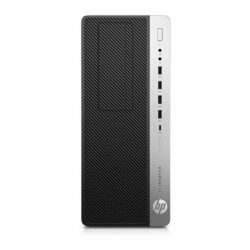
R2 450.00 ex. VAT
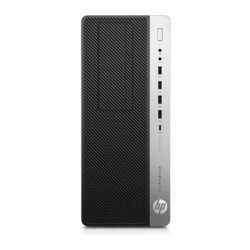
R2 450.00 ex. VAT

R2 450.00 ex. VAT

R2 650.00 ex. VAT

R2 650.00 ex. VAT

R2 650.00 ex. VAT
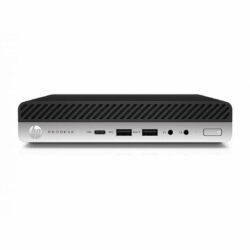
R2 950.00 ex. VAT
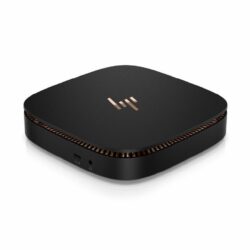
R2 950.00 ex. VAT
 Grade B
R2 950.00 ex. VAT

R2 950.00 ex. VAT
R2 950.00 ex. VAT

R2 950.00 ex. VAT
R2 950.00 ex. VAT
R2 950.00 ex. VAT
R2 950.00 ex. VAT
R2 950.00 ex. VAT

R3 450.00 ex. VAT
R3 450.00 ex. VAT
 Grade B
R3 450.00 ex. VAT
R3 450.00 ex. VAT
R3 450.00 ex. VAT
R3 450.00 ex. VAT

R3 450.00 ex. VAT
R3 950.00 ex. VAT

R4 250.00 ex. VAT
R4 250.00 ex. VAT
R4 250.00 ex. VAT
R4 250.00 ex. VAT

R4 750.00 ex. VAT

R4 750.00 ex. VAT
R4 750.00 ex. VAT

R4 750.00 ex. VAT
R4 950.00 ex. VAT
R4 950.00 ex. VAT
R4 950.00 ex. VAT
R4 950.00 ex. VAT

R4 950.00 ex. VAT
Nothing matches that combination right now. Stock changes weekly, so try widening the price range or clearing a filter, or tell us what you need and we will let you know when it lands.
Stock and prices sync from our warehouse system every two hours. Last updated 20 October 2026 at 07:28.
A call centre needs many identical machines that run the same few programs all day: a softphone or cloud dialler, a CRM, a browser and Microsoft 365. Ex-corporate business desktops were built for exactly that kind of shift work, and buying them refurbished lowers the cost of every seat you open. Every computer on this page is an HP, Dell or Lenovo business machine under R5 000 ex VAT, tested, securely wiped and graded, with genuine Microsoft Windows Professional and a 1-year warranty.
| Machine | Best for | Why |
|---|---|---|
| Thin client (Dell Wyse 5070) | Citrix, VMware Horizon, Remote Desktop or Azure Virtual Desktop | Programs run on your servers, so the seat device is fanless, low power and quick to swap |
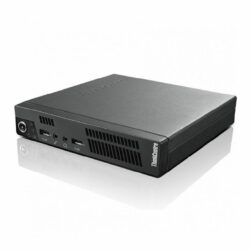
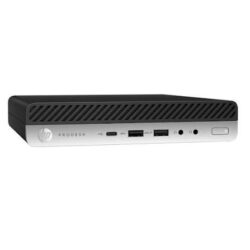
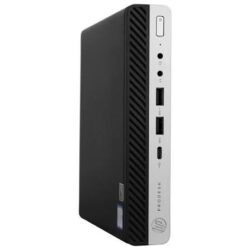
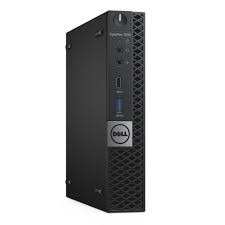
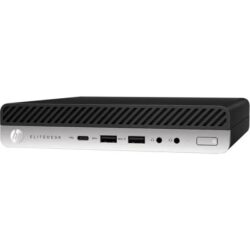
| Mini PC | Cloud diallers, browser CRMs and Microsoft 365 | A full Windows PC that mounts behind the monitor and keeps rows of desks clear |
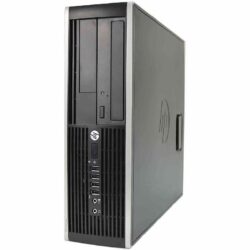
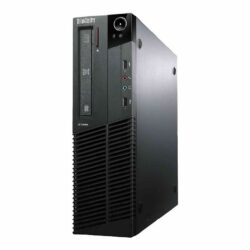
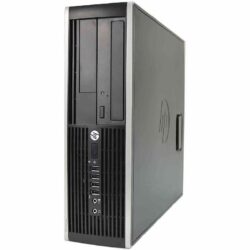
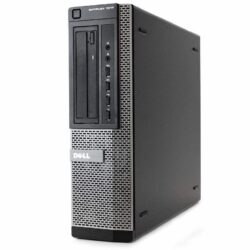
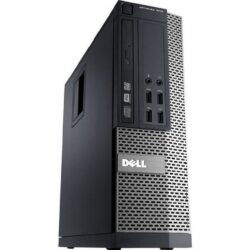
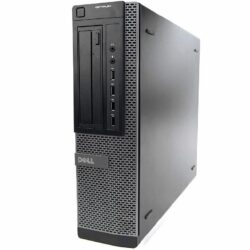
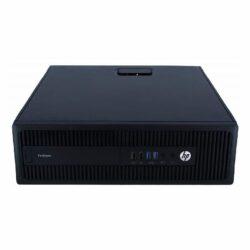
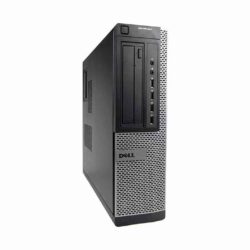
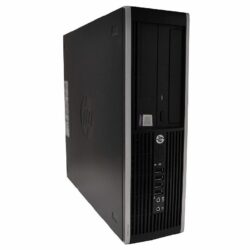
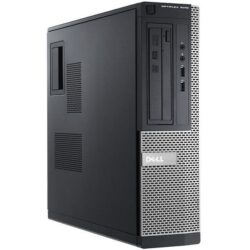
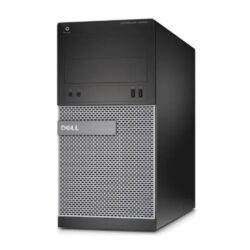
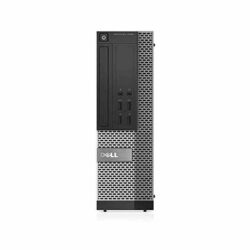
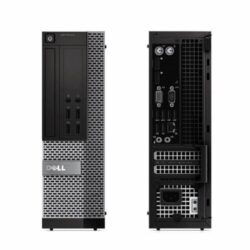
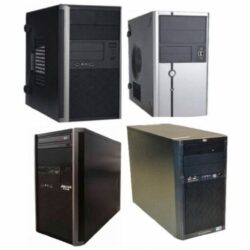
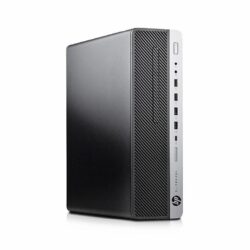
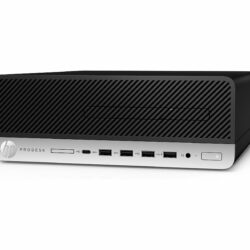
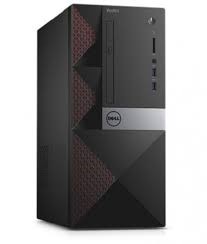
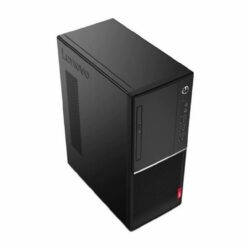
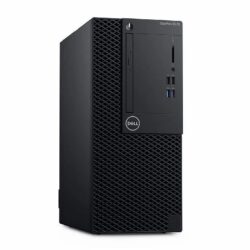
| Small form factor desktop | Supervisors, QA and agents running several programs | More room for RAM, drives and network cards, and easy to service on site |
Opening a new floor or replacing a whole site? Our business and bulk orders team quotes matched batches, and our mini PC and thin client range shows every compact model in stock. For more on the business case, read why refurbished desktop PCs are a smart choice for businesses.
The right agent machine depends on where your software runs. These are the three setups we supply most, with the machine type that fits each.
If agents log in to Citrix, VMware Horizon, Microsoft Remote Desktop or Azure Virtual Desktop, the programs run on your servers and a thin client such as the Dell Wyse 5070 only displays them. Fanless, very low power and quick to swap when a seat fails.
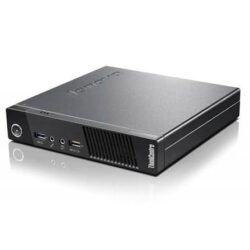
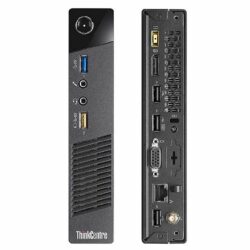
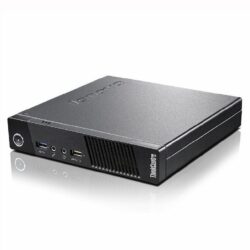
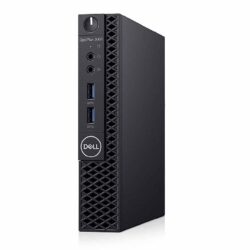
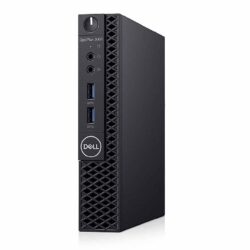
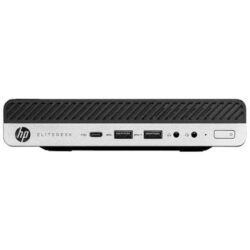
For a cloud dialler, CRM and Microsoft 365 in the browser, a mini PC such as the HP EliteDesk Mini, Lenovo ThinkCentre Tiny or Dell OptiPlex Micro runs everything locally, mounts behind the monitor and keeps desks clear.
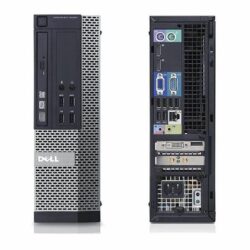
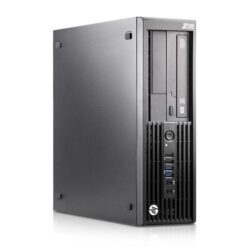
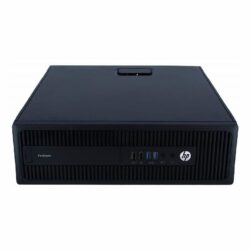
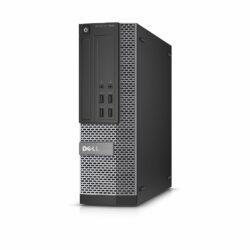
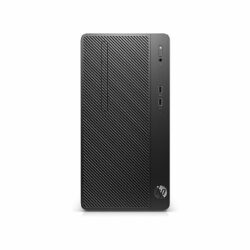
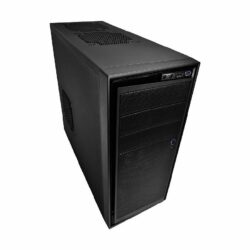
Agents who run several programs at once, or supervisors and quality assurance staff, benefit from a small form factor desktop with a Core i5 and 8GB to 16GB of RAM. Easy to service, with room for an extra drive or network card.
For most call centres, a business mini PC or small form factor desktop with an Intel Core i5, 8GB of RAM and an SSD, running Windows Professional. If agents work in a virtual desktop such as Citrix or Azure Virtual Desktop, a thin client like the Dell Wyse 5070 is cheaper to run and easier to manage.
Browser-based diallers, CRMs and Microsoft 365 run well on a Core i3 or Core i5 of the 6th generation or newer with 8GB of RAM and an SSD. Choose 16GB of RAM for supervisors or agents who keep many programs and browser tabs open at once.
Use thin clients if your applications already run on a server or in a virtual desktop service, because a thin client only displays the session and has little to break. Use desktops or mini PCs if agents run software on the machine itself, such as a softphone, CRM client or Microsoft Office.
Yes. Our stock comes off corporate fleets in batches of the same model, so we can usually supply matched machines, upgraded to the same RAM and SSD spec. Identical hardware means one Windows image, one set of drivers and spares that fit every seat.
Yes. Every desktop and mini PC has several USB ports for a USB headset, keyboard and mouse, and runs genuine Windows Professional, so standard softphones and call centre software install as normal. Check your dialler supplier's minimum requirements before ordering.
Mini PCs and thin clients use far less power than tower PCs, which makes it cheaper to keep a whole floor running on a UPS or inverter during power cuts. Size the backup for the computers and monitors together.
Tell us how many seats you need, what the agents run and your deadline. We will quote matched computers and monitors, upgraded to your spec, delivered anywhere in South Africa or collected from a branch.
Get a bulk quote