




News
Running Your PC or Laptop on Solar and Inverter Power in South Africa
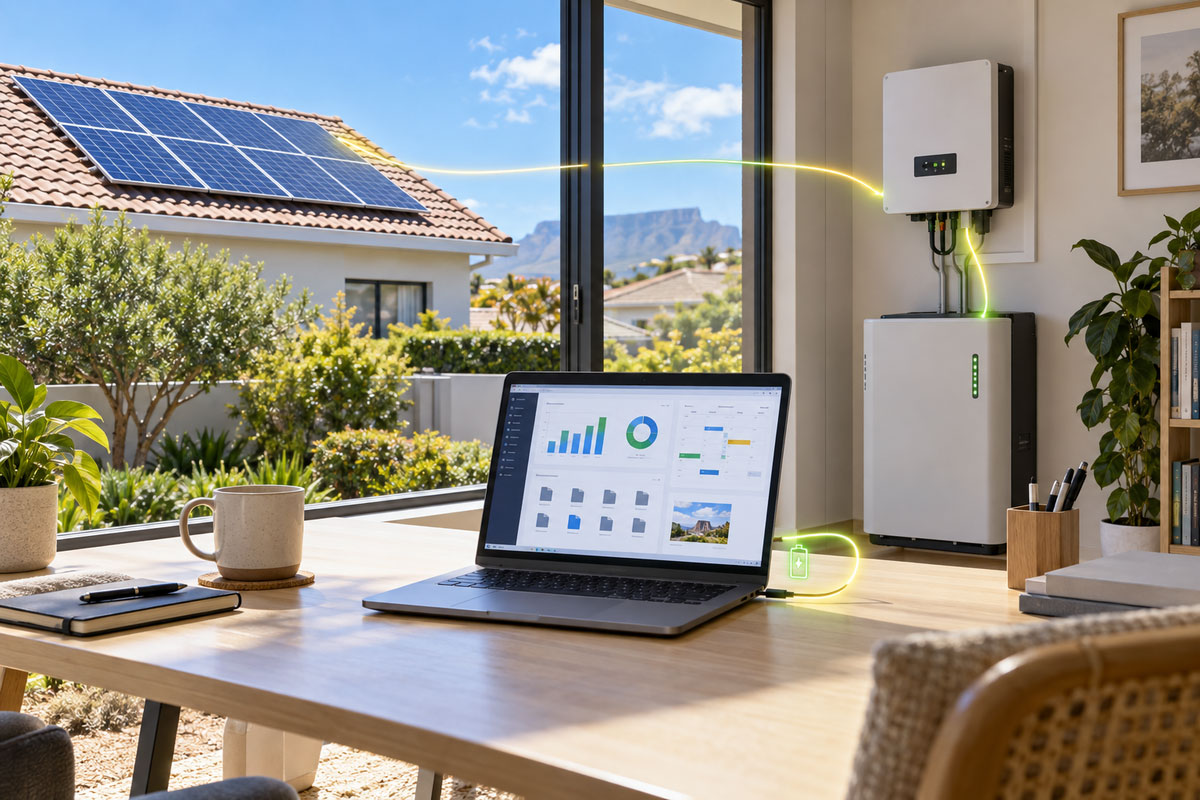
Solar and inverter systems have gone from a luxury to a standard line item in South African homes and small offices. Most of the advice out there is about geysers, fridges and lights. Almost none of it tells you what actually happens to your computer when the grid goes down, or how much of your battery a desktop quietly eats. This guide covers the part that matters if you work from home: keeping a PC running on backup power without buying twice the system you need.
📋 Key takeaways
- A business laptop typically draws around 30W to 65W. A desktop tower and monitor is more often 100W to 200W.
- Battery capacity is the expensive part of any solar system, so reducing the load is usually cheaper than adding storage.
- Ex-corporate mini PCs and laptops were designed for low power draw because companies pay the electricity bill.
- A small UPS still matters even with an inverter, because the changeover gap can reboot a desktop.
- Look for a T suffix on a desktop processor. It signals the low power version of that chip.
Why the computer is the load people forget
When an installer sizes a system, they ask about geysers, pool pumps and the stove. Those are the big numbers. The home office tends to get waved through as “a few plugs”, and then the person working from home discovers that their tower, two monitors, a router and a printer are running the battery down faster than expected on a cloudy afternoon.
It is not that computers are power hungry in absolute terms. It is that they run for eight or nine hours straight, which is very different from a kettle that runs for three minutes. Continuous load is what drains a battery bank.
What different machines actually draw
These are working ranges rather than lab figures, and your own hardware will vary:
- Business laptop: roughly 30W to 65W including charging the battery. The screen is already included.
- Mini or small form factor desktop: roughly 15W to 45W idle, more under load.
- Full size desktop tower: roughly 60W to 150W depending on the processor and whether there is a graphics card.
- Monitor: roughly 15W to 30W for a typical 22 to 24 inch panel.
- Fibre router and ONT: usually under 20W for the pair.
The practical conclusion is blunt. If you are sizing a system around a home office, a laptop plus a router is a genuinely small load. A tower with a dedicated graphics card and two monitors is a different conversation.
| Device | Typical draw |
|---|---|
| Business laptop (charging) | About 30W to 65W |
| Mini or SFF desktop with a T-series chip | About 15W to 45W |
| Full-size desktop tower | About 60W to 150W, more with a graphics card |
| 22 to 24 inch monitor | About 15W to 30W |
| Fibre router and ONT | Under 20W for the pair |
Buy less load before you buy more battery
Battery storage is the most expensive component per unit in most installations. Shaving 80W off a continuous daily load changes what you need to store, and hardware that draws less is often cheaper than the storage it saves you.
This is where ex-corporate machines are genuinely useful rather than just cheap. Large companies buy for total cost of ownership, and electricity is part of that, so the desktops they deploy in their thousands are built around efficiency. That is the same stock that ends up in our refurbished desktop range a few years later.
Look for the T
Intel marks its low power desktop processors with a T at the end. An i3-9100T or an i3-10300T is the same family as the standard chip with a lower power ceiling. In a small chassis those machines sit comfortably in the 15W to 35W band at normal office work, which is laptop territory from a desktop.
At the time of writing there are machines like the HP 400 G5 with an i3-9100T at around R5 462 including VAT, and the Lenovo M80Q with an i3-10300T at around R6 842 including VAT. At the entry end, an HP 260 G2 mini sits near R2 817 including VAT. Prices move as stock changes, so treat those as an indication rather than a quote, and check the Core i3 desktops for what is on the shelf now.
Laptops solve the problem by design
A laptop is a computer with its own battery already attached. When the changeover happens it does not notice, and if the inverter itself fails you still have two or three hours of work in the machine.
For anyone whose work is email, documents, spreadsheets and video calls, a business laptop is the simplest answer to both load shedding and solar sizing at once. There are working machines in the budget end of our range from around R3 967 including VAT, and the full business laptop range covers everything above that. We went through the specifics of battery runtime and what to check in our guide to picking a laptop that survives load shedding.
You still want a UPS
This surprises people who have just spent money on an inverter. Many inverter setups have a changeover gap of a few milliseconds when the grid drops. A laptop rides through it on its own battery. A desktop can reboot, and a reboot mid-spreadsheet is exactly what you bought the system to avoid.
A small UPS on the desktop and the router covers that gap. It does not need to be large. Its job is to bridge a moment, not to run the office for an hour.
A sensible order to do things in
- Work out what actually has to stay on. For most home offices that is one computer, a screen, the router and a phone charger.
- Add up the continuous watts for that list rather than guessing.
- Reduce the load where it is cheap to do so, which usually means the desktop.
- Size the battery around the reduced number.
- Put a small UPS on anything that cannot survive a changeover gap.
Frequently asked questions
Can I run a desktop PC off a small inverter?
Usually yes. A small form factor office desktop and a monitor together are often under 150W, which most household inverters handle without difficulty. A gaming machine with a dedicated graphics card is a different case and needs to be measured, not assumed.
Is a laptop really that much more efficient than a desktop?
For the same class of work, yes, typically by a factor of two or three. Laptop components are designed around a battery and a small cooling system, which forces efficiency. A low power desktop closes much of that gap but rarely all of it.
Does running on an inverter damage a computer?
A decent pure sine wave inverter is fine. The risk is not the inverter, it is repeated hard power cuts during the changeover, which are hard on drives over time. That is the argument for a UPS, and for an SSD rather than a mechanical drive.
What condition are your refurbished machines in?
Every machine is graded A, B or C for cosmetic condition and tested before it ships. There is a full explanation on our grading page, and we cover what the grades mean in practice in our guide to laptop grades. All of it ships with genuine Windows Pro, a one year warranty.
Going solar is worth doing. Just size it around what your office actually uses rather than what you assume it uses, and remember that the cheapest kilowatt hour is the one you never needed to store.