




News
Essential Software for Your Refurbished Laptop
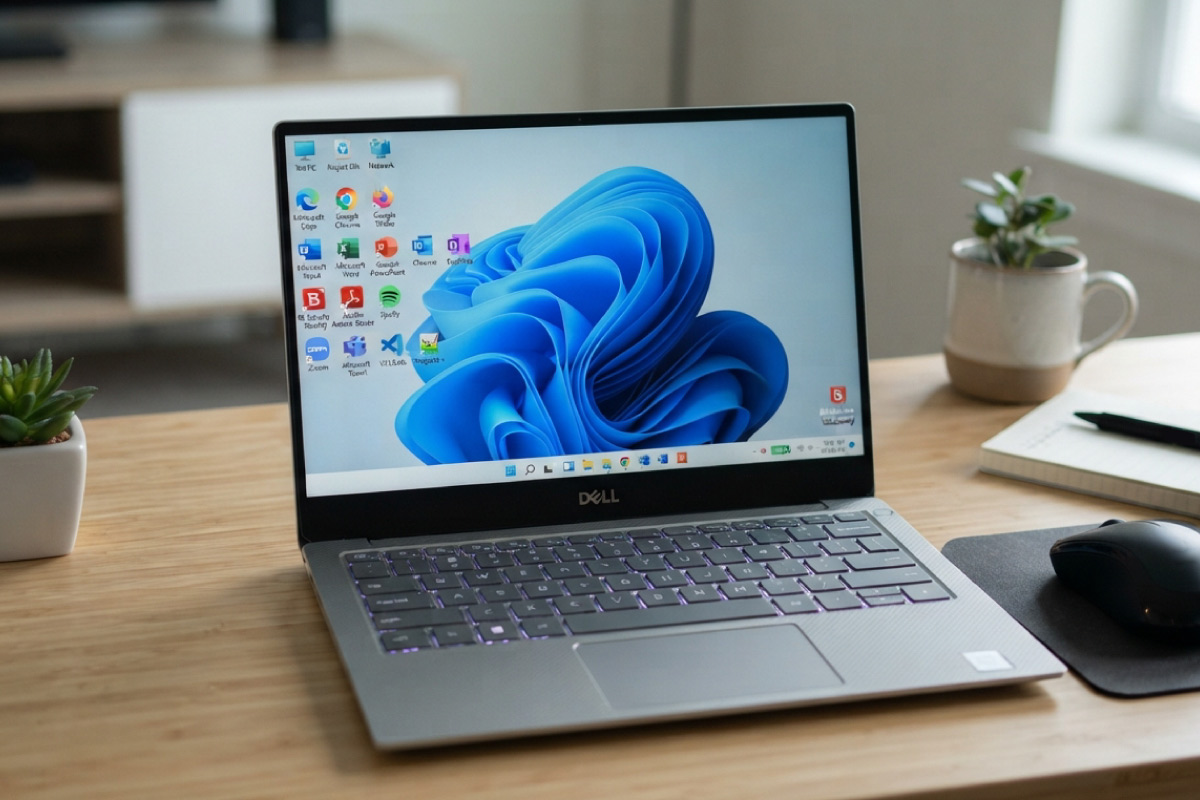
A refurbished laptop arrives with genuine Windows Pro already activated, so the first hour is not about getting it working. It is about setting it up so it stays fast, stays safe and does not eat your data cap. This is the software we would install on a machine before handing it to a colleague, in the order we would do it.
Key takeaways
- Windows Security is enough antivirus for most people. A paid suite is not the upgrade it is sold as.
- The manufacturer driver utility, HP Support Assistant, Dell Command Update or Lenovo Vantage, is the one download most people skip and should not.
- BitLocker comes with Windows 11 Pro at no extra cost and is the simplest protection against a stolen laptop becoming a data breach.
- LibreOffice is free and handles most SME document work. Microsoft 365 is worth paying for if you share files with people who use it heavily.
- Mark mobile connections as metered so Windows does not download a 4GB update over your phone data.
| Step | What to install or set | Cost |
|---|---|---|
| 1 | Windows Update, run twice | Free |
| 2 | HP Support Assistant, Dell Command Update or Lenovo Vantage | Free |
| 3 | A browser and one office suite | Free to subscription |
| 4 | BitLocker, with the recovery key saved | Included with Windows 11 Pro |
| 5 | Password manager | Free tier available |
| 6 | Backup to OneDrive, Google Drive or an external drive | Free to low cost |
| 7 | Mark mobile connections as metered | Free |
Start with updates and drivers
Run Windows Update before anything else, then run it again, because it usually finds a second round. After that, install the driver tool for your brand. HP Support Assistant, Dell Command Update and Lenovo Vantage each pull the correct BIOS, chipset and firmware versions for your exact model, which generic driver sites get wrong often enough to cause trouble.
On a business machine this matters more than on a consumer one, because docking stations, fingerprint readers and dual-display setups all depend on firmware that Windows Update does not always supply.
Security you actually need
Windows Security is built in, updated automatically and scores well in independent testing. For a home or small office machine it is sufficient. Where you should spend effort instead is BitLocker, which encrypts the whole drive so a stolen laptop is a hardware loss rather than a data loss. It is included with Windows 11 Pro, and every machine we sell ships with Pro rather than Home for exactly this kind of reason.
Add a password manager while you are at it. Bitwarden has a free tier that covers everything a small business needs. If you are handling client records, our notes on data security on second-hand hardware go into what to check before the machine holds anything sensitive.
Office and productivity
LibreOffice is free, opens and saves Word and Excel formats, and covers quoting, invoicing and reporting for most small businesses. Microsoft 365 makes sense when you collaborate on shared documents constantly or rely on Outlook and Teams. Google Workspace works entirely in the browser and is the lightest option on an older machine.
Whichever you pick, install only one. Three office suites fighting over file associations is a support call waiting to happen.
Housekeeping tools
- 7-Zip for archives, since Windows still handles some formats badly.
- CrystalDiskInfo to check SSD health. Worth running once a month on any machine that carries important work.
- A browser of your choice. Firefox and Chrome both work; Edge is already there and is no longer the punchline it once was.
- PDF reader. Edge handles PDFs fine. You only need Acrobat Reader if you sign forms regularly.
Settings that matter in South Africa
Two Windows settings are worth changing on day one. Mark your mobile hotspot and any capped connection as metered, under Network and internet, so Windows postpones large downloads until you are on uncapped Wi-Fi. And set the power plan sensibly, because load shedding means your battery is doing real work several times a week rather than sitting on a charger.
If your laptop has to survive a four hour slot without power, battery health matters as much as processor speed when you buy. Older business machines with tired cells will not cut it, which is something to weigh up when comparing refurbished laptop options.
What not to install
Registry cleaners, driver updater tools bought from pop-up ads, and PC optimiser software do nothing useful on a modern Windows install and occasionally break things. Toolbars, the same. If a program promises to make your computer faster and asks for a credit card, close the tab.
If the laptop is for a desk
The same software list applies to a tower or a small form factor machine, and the setup is quicker because you are not thinking about battery life. Anyone kitting out an office with refurbished desktop PCs can build one machine properly, then use the same checklist across the rest. For a Core i3 build doing admin and browsing, our Core i3 laptops handle the same software stack without any of it feeling heavy.
Frequently asked questions
Do I need to buy antivirus for a refurbished laptop?
No. Windows Security is included, updated automatically and adequate for normal use. Spend the money on a backup drive instead.
Is the Windows licence on a refurbished laptop genuine?
On ours, yes. Every machine ships with genuine Windows Pro, already activated. If a seller cannot tell you where the licence came from, walk away.
Will older business laptops handle Microsoft 365 and Teams?
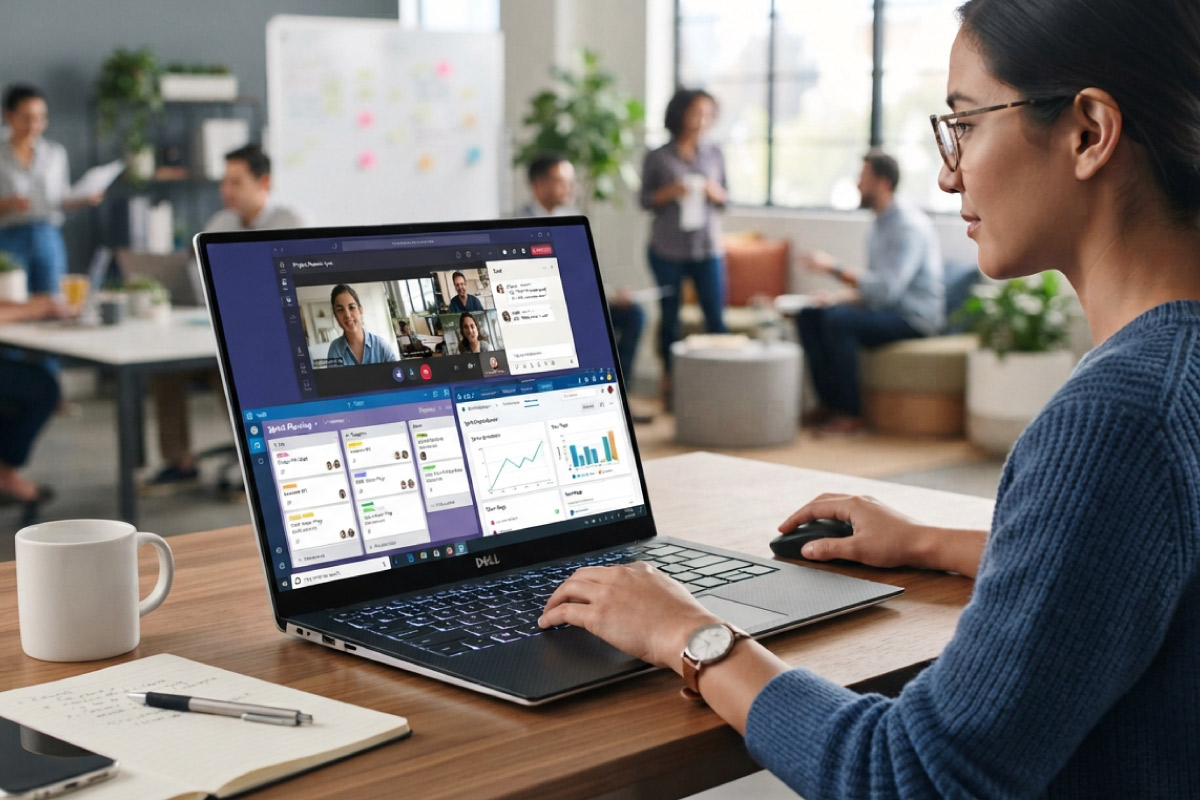
A Core i5 with 8GB of RAM and an SSD runs the full Microsoft 365 suite and Teams comfortably. Teams video calls are the heaviest thing most office users do, and an 8th generation Core i5 manages them without drama.
How do I move my files across from an old machine?
OneDrive or Google Drive is the easiest route if your data is small enough for your connection. For larger transfers, an external SSD is faster and does not touch your data cap.
None of this takes long. An hour of setup on the day the laptop arrives saves the kind of afternoon nobody enjoys, and it keeps a well-specified ex-corporate machine working the way it should for years rather than months.