




News
Can You Upgrade a Refurbished Laptop? What You Need to Know
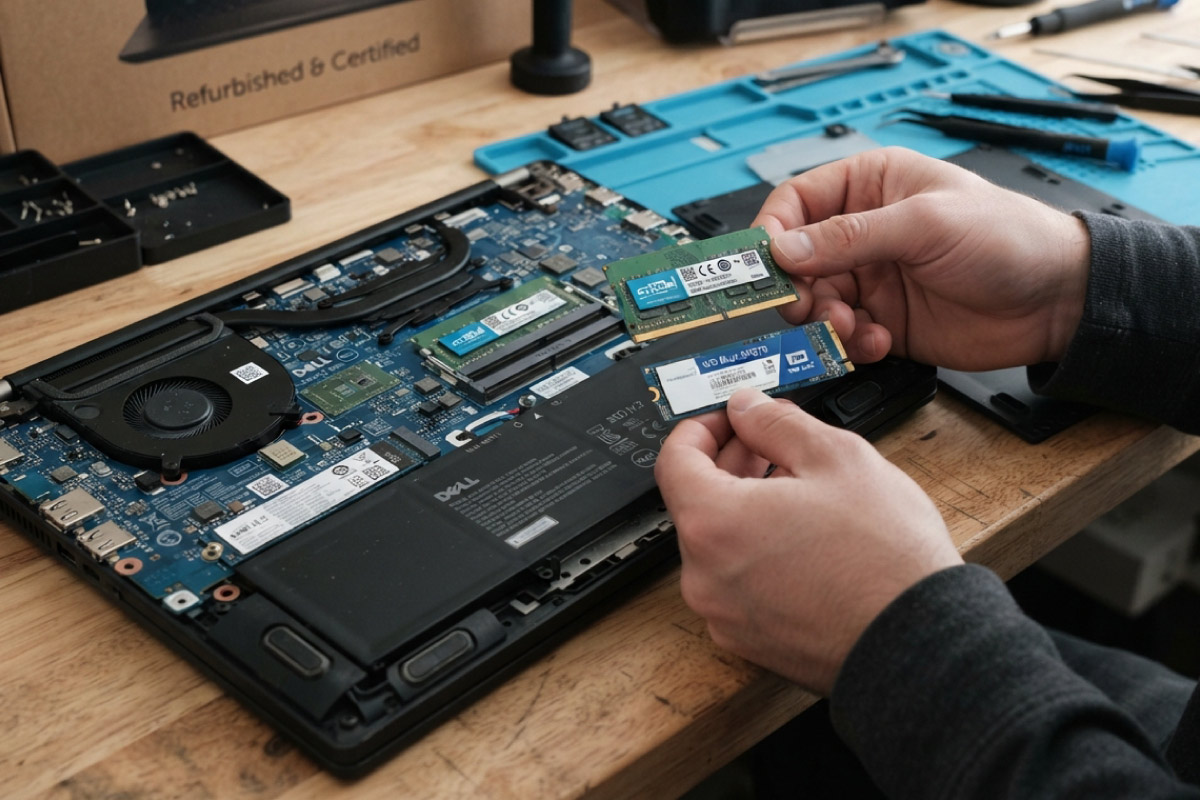
Buying refurbished does not mean you are stuck with whatever specs came in the box. Most business-grade machines were designed to be opened, serviced and upgraded, so the right refurbished laptop can keep pace with your work for years. Here is what you can realistically change, what is fixed for good, and how to check before you buy.
Key takeaways
- RAM and storage give you the biggest jump in speed for the least money.
- Business ranges such as the HP EliteBook 840, Dell Latitude 7400 and Lenovo ThinkPad T490 were built for quick servicing.
- The CPU, integrated graphics and any soldered memory cannot be changed after purchase.
- An upgrade can affect your cover, so check the warranty terms before you open anything.
What you can usually upgrade
Two changes make the clearest difference to an older machine, and both are cheap next to a new laptop.
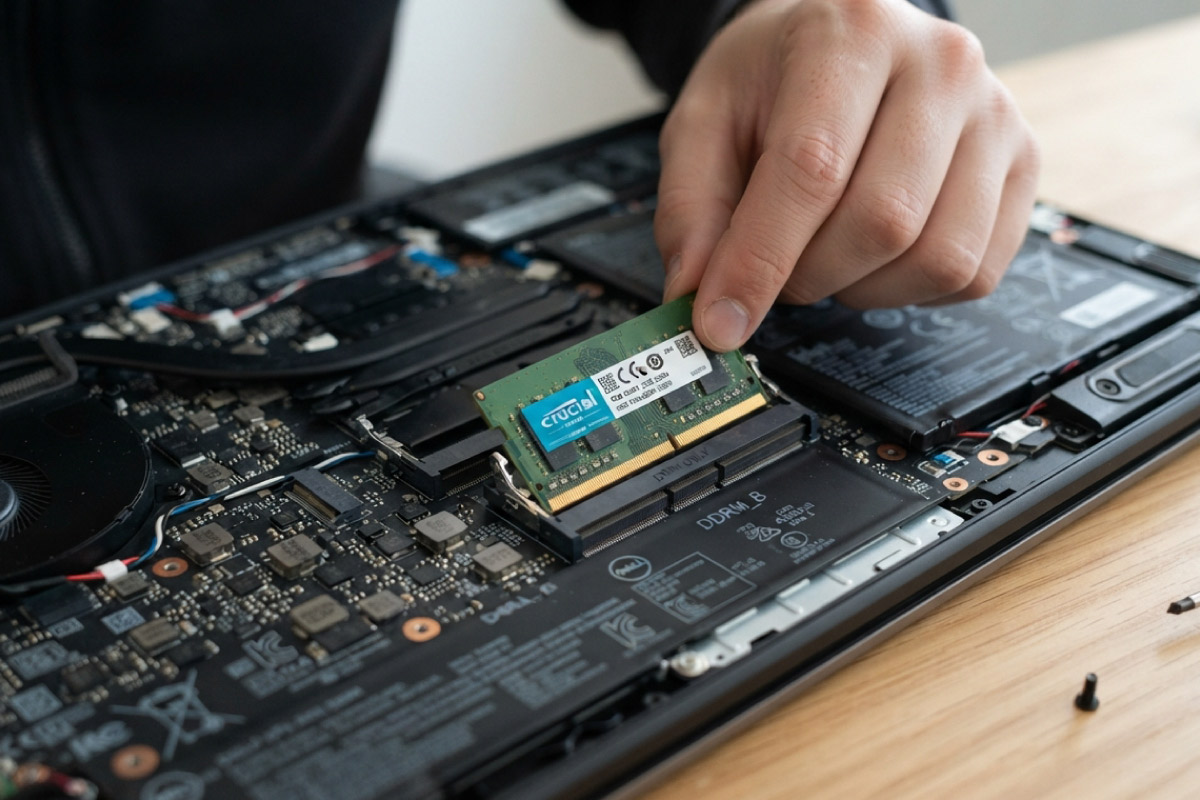
- Memory (RAM): Many business laptops use standard SO-DIMM modules, so moving from 8GB to 16GB is simple where a slot is free. 16GB is the comfortable point for Windows 11 Pro, a browser and Office running together.
- Storage (SSD): Fitting a larger or faster M.2 or 2.5-inch SSD is the single best speed upgrade. If a unit still runs a mechanical hard drive, an SSD alone makes it feel like a different laptop.
- Battery: On many models the battery is a service part you can replace once it ages, which matters when load shedding hits.
If you would rather start quick, a Core i5 model that already has an SSD needs little more than a RAM top-up to feel current.
What you cannot change
Some parts are fixed once a laptop leaves the factory.
- Processor: Laptop CPUs are soldered to the board, so the chip you buy is the chip you keep.
- Graphics: Most business laptops use integrated graphics that cannot be upgraded.
- Soldered RAM: Some slim and 2-in-1 models, such as the Dell Latitude 7400 2-in-1, have their memory soldered in place, which is exactly why the specific model matters.
| Part | Upgradeable? | Notes |
|---|---|---|
| RAM | Usually | Standard SO-DIMM slots on most business laptops; some slim models are soldered |
| SSD | Yes | 2.5-inch SATA or M.2, check which your model takes |
| Battery | Yes | A service part on most business models |
| Wi-Fi card | Often | M.2 module on many models |
| Processor | No | Soldered to the board |
| Graphics | No | Integrated on most business laptops |
How to check before you buy
A two-minute check saves disappointment later.
- Note the exact model and generation, for example EliteBook 840 G6 rather than just “EliteBook”.
- Confirm whether the RAM sits in a slot or is soldered, and how many slots are free.
- Check the drive type so you buy the right SSD, either 2.5-inch SATA or M.2 NVMe.
Is the upgrade worth it?
Upgrading pays off when the base machine is sound. Adding memory and an SSD to a tidy Core i5 is money well spent. If a unit is a heavily used grade C that already struggles, you are usually better off putting that money towards a newer laptop instead of pouring parts into an old one.
Desktops are the easy win. If your work lives at a desk, a refurbished desktop gives you more slots, cheaper parts and far simpler upgrades than any laptop. For the parts themselves, our stock of drives and memory covers the common jobs.
Whatever you land on, browse the full business-grade laptop range, all with genuine Windows Pro and a one-year warranty as standard.
Frequently asked questions
Will upgrading a refurbished laptop void the warranty?
It depends what you touch. Adding RAM or an SSD in a user-serviceable slot is usually fine, but opening sealed components can affect cover. Ask us first, and see what our warranty actually covers.
How much RAM do I really need?
For everyday work on Windows 11 Pro, 8GB is the floor and 16GB is comfortable. Go to 32GB only if you run virtual machines, heavy spreadsheets or design software.
Can I upgrade the processor later?
No. Laptop processors are soldered to the mainboard, so choose the CPU you want at purchase rather than planning to swap it.
Buy the right base machine and a couple of small upgrades will carry it for years. Tell us how you plan to use it and we will point you to a model with room to grow, then confirm exactly what it can take before you pay.