




News
Connectivity: Do Refurbished Laptops Support the Latest Wi-Fi and Bluetooth Standards?
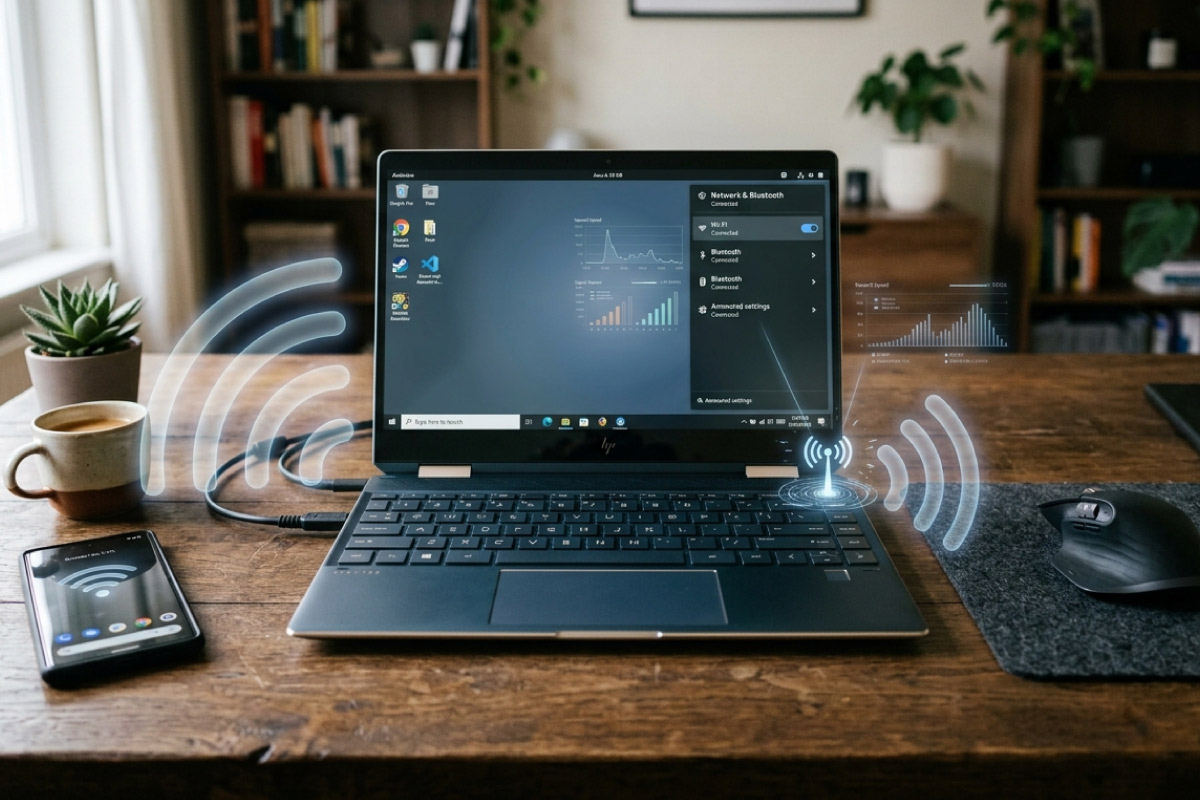
Wireless is one of the first things buyers ask about when they look at refurbished laptops, and it is a fair question. A machine that came off a corporate fleet in 2019 does not have the same wireless card as a 2026 model fresh out the box. The card is also one of the easiest parts of a laptop to check before you pay, and on many models it can be swapped later.
Quick answer: most refurbished business laptops run Wi-Fi 5 with Bluetooth 4.2 or 5.0, newer stock runs Wi-Fi 6 with Bluetooth 5.1, and both are faster than any home fibre line you are likely to have in South Africa.
Key takeaways
- Wi-Fi 5 (802.11ac) comfortably carries a 100 Mbps or 200 Mbps fibre line.
- Wi-Fi 6 appears on 2020 and later business models such as the HP EliteBook 840 G7 and Dell Latitude 7410.
- Bluetooth 5.0 is normal on 8th generation Intel machines and pairs fine with current headsets, mice and keyboards.
- The wireless card is usually a removable M.2 2230 module, so an upgrade is possible on many models.
- Ask for the exact model and generation, not just the processor.
What wireless card is actually inside
Business laptops from roughly 2018 to 2019 ship with an Intel Wireless-AC 9560 or the slightly older 8265. Both are Wi-Fi 5 cards. The 9560 adds Bluetooth 5.0 while the 8265 sits on Bluetooth 4.2. That covers the HP EliteBook 840 G5 and G6, the Dell Latitude 7400 and the Lenovo ThinkPad T490, which make up a large share of the ex-corporate stock in this country.
From 2020 onwards the picture changes. The EliteBook 840 G7, Latitude 7410 and ThinkPad T14 generally carry the Intel AX201, which is Wi-Fi 6 with Bluetooth 5.1. If you want the newer standard, the generation number on the lid matters more than the processor badge.
Machines older than about 2016 are where you start finding Wi-Fi 4 and Bluetooth 4.0. Those tend to sit in the clearance range, which is fine for a spare machine or a study laptop, but worth knowing about up front.
Does Wi-Fi 6 actually help on a South African line?
For most homes, no. A Wi-Fi 5 card handles far more throughput than a typical 50 Mbps or 100 Mbps fibre package, and your router, your wall thickness and the number of devices in the house will slow things down long before the laptop card does. Your router also has to support Wi-Fi 6 for it to mean anything, and plenty of ISP routers still ship with Wi-Fi 5.
Wi-Fi 6 earns its keep in a busy office where twenty or thirty devices share one access point. If that is your situation, buy for it. If you are a student on a fibre line at home, put the money into RAM or a bigger SSD instead.
Can you upgrade the wireless card?
On most Dell, HP and Lenovo business laptops the card is a separate M.2 2230 module under the bottom cover, held by one screw with two tiny antenna leads clipped on. Swapping an AC card for an AX201 is a ten minute job and the part is inexpensive.
Two things to watch. Some older models have a BIOS whitelist that refuses non-approved cards, and a few thin models solder the card down. Check your specific model number before you buy a card. Our guide on which parts of a second hand machine can be changed later goes through this in more detail.
The cheap fix for Bluetooth
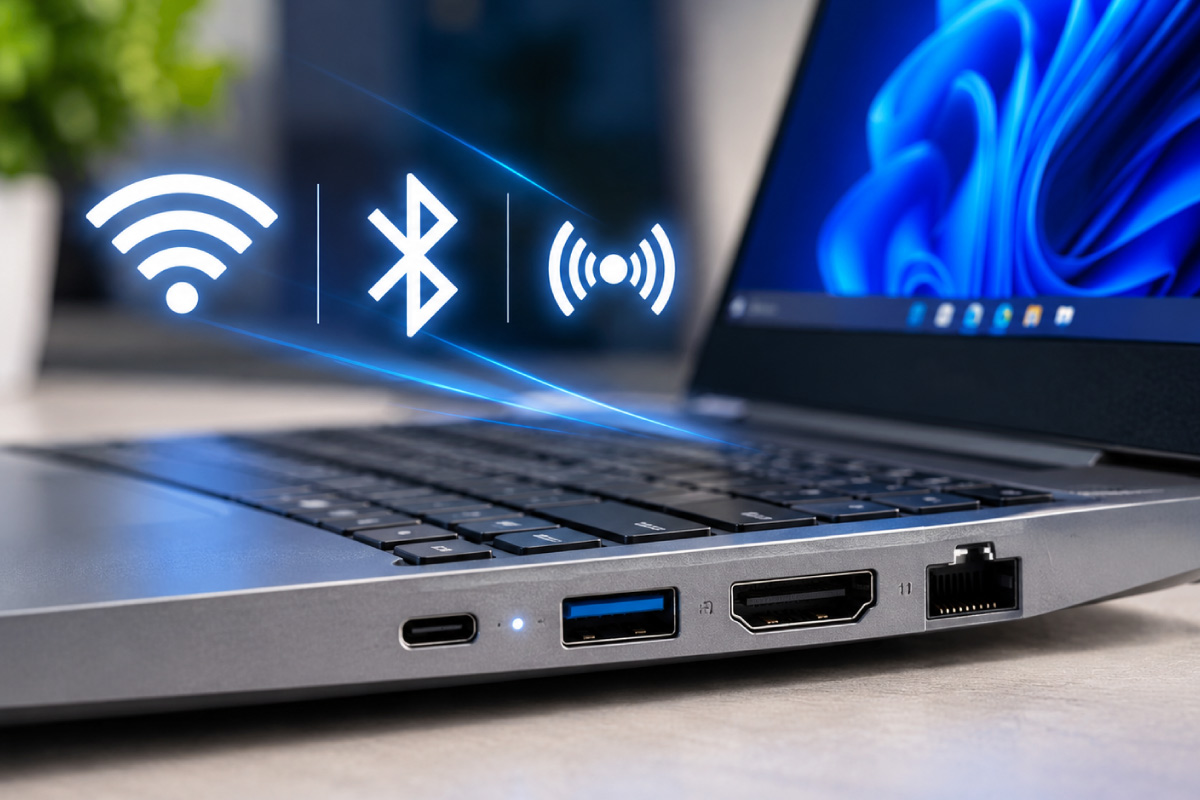
If a laptop has a fine screen, keyboard and battery but only Bluetooth 4.0, a USB Bluetooth 5 adapter solves it without opening the machine. It uses one USB port and works with the same headsets and mice as a built in radio. For a desktop the same trick applies, which is why plenty of the refurbished desktop PCs we sell get paired with a small dongle rather than a new motherboard.
What to check before you pay
- Exact model and generation, for example EliteBook 840 G6 rather than just EliteBook 840.
- Wireless card model, visible in Device Manager under Network adapters.
- Bluetooth version, shown in the same place under the driver properties.
- Whether both antenna leads are connected, which is the usual cause of weak signal on a badly reassembled machine.
- That the machine ships with genuine Windows 11 Pro so drivers install cleanly.
Tip: open Device Manager on the machine before you take delivery, or ask the seller for a screenshot of it. Thirty seconds there tells you more than any spec sheet.
Frequently asked questions
Will an older Wi-Fi card slow down my internet?
Only if the card is Wi-Fi 4 or the signal is poor. Wi-Fi 5 has far more headroom than a residential fibre line, so the bottleneck is almost always the router or the distance to it.
Do refurbished laptops come with Wi-Fi 6E or Wi-Fi 7?
Rarely for now. Those cards arrived in machines from 2022 and 2023, which have not yet cycled out of corporate fleets in volume. Expect Wi-Fi 5 and Wi-Fi 6 in most of the current refurbished laptop range.
Does the processor tell me anything about the wireless?
Indirectly. A Core i5 machine from the 8th generation almost always has a Wi-Fi 5 card, while a 10th or 11th generation one usually has Wi-Fi 6. It is a rough guide, not a guarantee, so confirm the card itself.
Is Bluetooth range different between versions?
Bluetooth 5.0 has better range and a more stable connection than 4.0, which you notice with wireless earbuds across a room. For a mouse on the same desk you will not feel the difference.
Wireless standards are worth understanding, but they are seldom the thing that decides whether a refurbished machine is a good buy. Battery health, screen condition, storage speed and the warranty behind it matter more day to day. Every laptop we sell carries a 1 year warranty and a 7 day return window, and if a specific model needs a wireless upgrade to suit your setup, ask us before you order rather than after. Buyers who like doing the checks themselves will find our list of what separates a properly refurbished machine from a cleaned up used one useful.