




News
Smart Tips for Buying a Second Hand Laptop
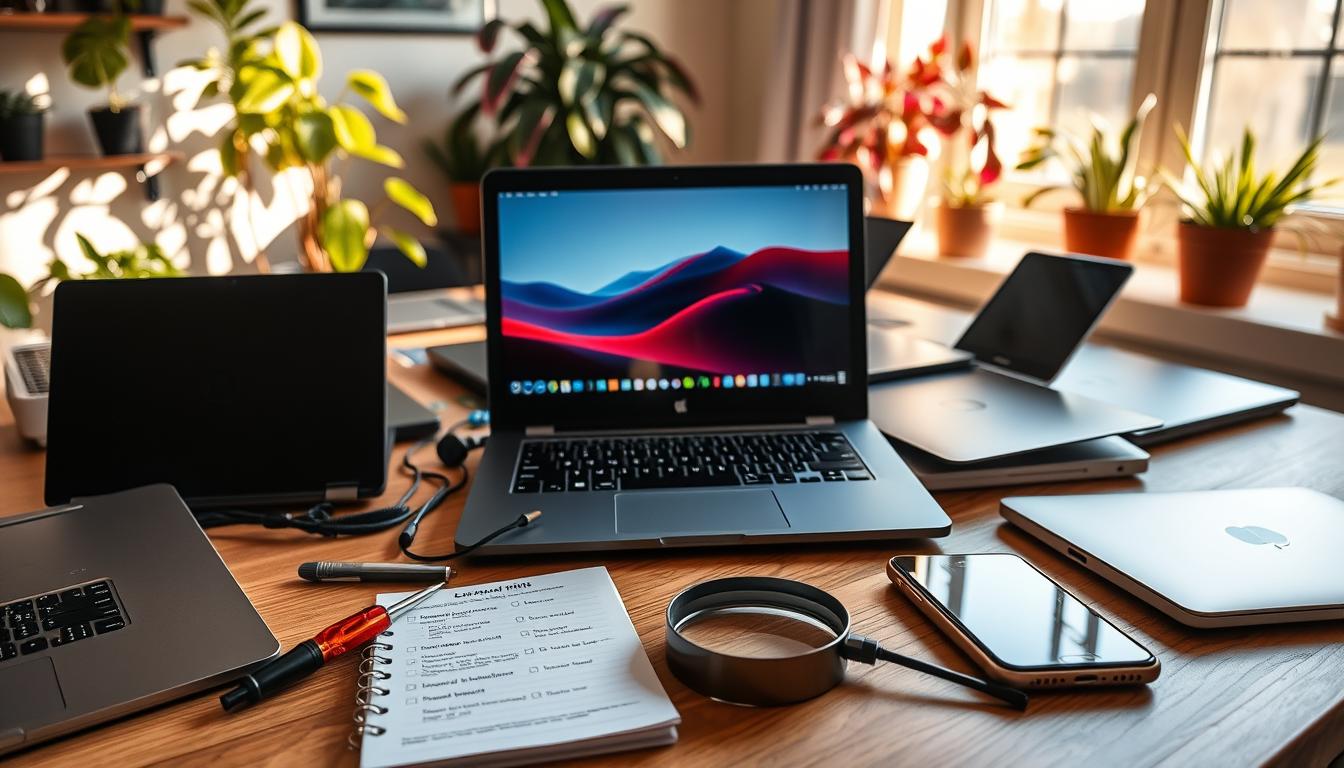
Buying a second hand laptop can save you thousands, or land you with someone else’s problem. The difference comes down to knowing what to check before you pay. These are the checks we would run ourselves before handing over cash for a used or refurbished machine.
Quick answer: Test the battery, storage, screen and ports, confirm the operating system is genuine, and buy from a seller who offers a warranty and returns. A refurbished laptop from a proper retailer removes most of the guesswork a private sale leaves you with.
Key takeaways
- A private used laptop is sold as-is. A refurbished one is tested, graded and backed by a warranty.
- Battery health and storage type matter more than a slightly faster processor.
- Stick to business-grade models like the HP EliteBook 840, Dell Latitude 7400 or Lenovo ThinkPad T490.
- Genuine Windows 11 Pro, a 1-year warranty and a return window are your safety net.
Used or refurbished: know which one you are buying
A used laptop off a classifieds site comes exactly as it is, with no testing and no comeback if it dies next week. A refurbished laptop has been inspected, repaired where needed, cleaned and reloaded with genuine software before resale. Both save you money, but only one gives you somewhere to turn if something goes wrong. That single difference is worth paying a little more for.
Stick to business-grade models
Consumer laptops are built to a price and tend to wear out fast. Ex-corporate machines were built to survive years of daily use, which is exactly why they make good second hand buys. Names worth looking for include the HP EliteBook and ProBook 450, the Dell Latitude range and the Lenovo ThinkPad T-series. If you have your eye on one brand, our refurbished HP laptop range is a good place to see what that build quality looks like in practice.
The checks that actually matter
- Battery: ask about battery health or runtime. A tired battery is common on used laptops and costly to replace.
- Storage: an SSD makes an old laptop feel new. A machine still on a spinning hard drive will feel slow no matter the processor.
- Screen: look for dead pixels, backlight bleed and cracks under a bright background.
- Keyboard and ports: test every key, plus USB, HDMI and the charging port.
- Software: confirm it runs genuine Windows 11 Pro, not an unlicensed install.
Tip: A Core i5 with 8GB of RAM and an SSD is the sweet spot for everyday work. Spend on those three things before you chase a Core i7 you will rarely push. You can filter straight to Core i5 laptop options if that is your target.
Watch the price, but watch the seller more
A deal that looks too cheap usually is. On the private market a rock-bottom price often hides a failing battery or a missing charger. Buying refurbished, a working business laptop starts around R2,500 to R4,000 depending on spec and grade, and that price comes with a machine that has been tested. If your budget is tight, our laptops under R3,000 show what that money buys. You can also compare the full refurbished laptop lineup, or weigh a portable against one of our refurbished desktop machines if you do not need to move it around.
Not sure which grade to trust? Our guide to A, B and C grades explains what each condition tier means for the price you pay.
Frequently asked questions
Is it safe to buy a second hand laptop?
It is, as long as you buy carefully. A private sale carries real risk because nothing is tested. A refurbished laptop from a retailer that offers a warranty and returns is a much safer version of the same idea.
How do I check a used laptop’s condition?
Run through battery, storage, screen, keyboard and ports, and confirm the software is genuine. If you buy refurbished, that testing has already been done and the machine is given a grade for its cosmetic condition.
What is a fair price for a used business laptop?
For a tested refurbished business laptop, expect to start around R2,500 to R4,000 depending on the processor, memory and grade. Anything far below that on the private market deserves a very close look.
Buying second hand is really about buying with your eyes open. Check the battery and storage, favour a business-grade model, and lean towards a seller who tests their stock and backs it with a warranty. Do that and a second hand laptop becomes a smart saving rather than a risk.