




News
Refurbished IT Solutions for Small Businesses
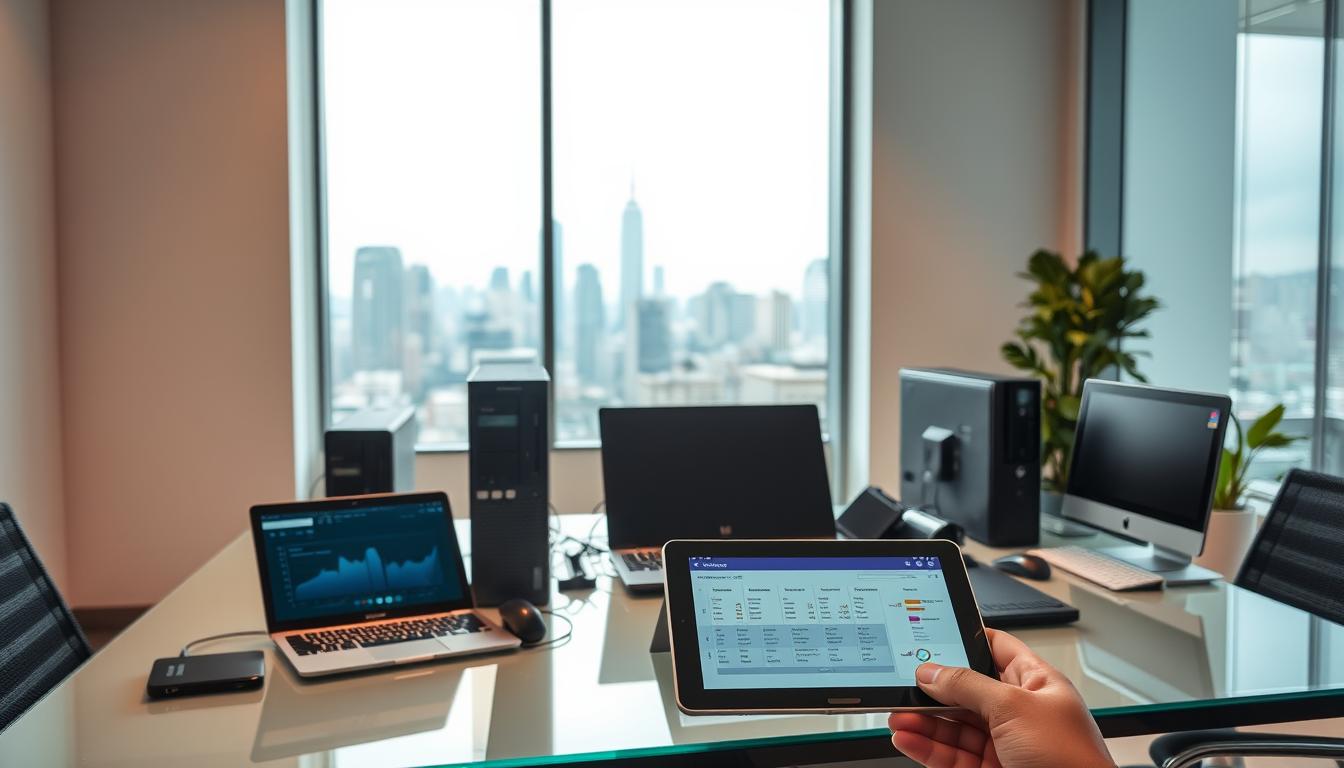
Kitting out a small team with brand-new computers can swallow a month’s profit. Refurbished IT solutions for small businesses solve that by putting the same business-grade HP, Dell and Lenovo machines that big corporates retire after three or four years onto your desks for a fraction of the original price. For most South African SMEs, that is the difference between equipping everyone now and waiting another quarter.
Quick answer: Refurbished ex-corporate laptops and desktops usually cost half to two-thirds less than new, run genuine Windows 11 Pro, and carry a one-year warranty, which makes them a sensible fit for a small business watching cash flow.
Key takeaways
- Ex-corporate refurbished machines cost far less than new, freeing cash for stock, salaries or rent.
- Business-grade ranges like the HP EliteBook and Dell Latitude are built for years of daily office use.
- Every machine ships with genuine Windows 11 Pro and a one-year warranty.
- Grading from A to C lets you match what you spend to how hard the machine will work.
- Choosing refurbished keeps usable hardware out of landfill.
Why ex-corporate hardware suits a small business
Big companies lease their laptops and replace them on a fixed cycle, usually every three to four years. The machines that come back are nowhere near worn out. They were specced for IT departments that wanted durability and easy repairs, which is exactly what a small business needs. A tidy stock of business-grade refurbished laptops gives you metal-bodied builds, proper hinges and parts that are easy to source, rather than the flexy plastic on a new budget machine at the same money.
What the money buys
Fit matters more than headline specs. Under R10,000 you can put a real workhorse on a desk, like an HP EliteBook 840 G6 with an 8th-gen Core i5, or an HP ProBook 450 G7 with a Core i7 for someone running heavier spreadsheets. For admin, email and browser work, a Core i5 machine handles a full day without complaint. If a role only needs light data capture, an entry model under R3,000 does the job.
Desktops still earn their place
Not every seat needs a laptop. For a reception desk, a point-of-sale till or a back-office bookkeeper who never moves, a refurbished desktop gives you more performance per rand and a full-size screen and keyboard. Small-form-factor Dell desktops slot under a counter and sip power. Pair one with a refurbished monitor and the whole station still costs less than a single new laptop.
Match the grade to the job
Every machine is graded so you know what you are paying for. Grade A looks nearly new with only faint wear. Grade B has light cosmetic marks that vanish once it is on a desk. Grade C carries heavier scuffs but works perfectly, which suits a workshop, a store room or a spare unit. The internals and the one-year warranty are the same across all three.
Tip: Put your Grade A machines where clients see them, like a sales counter or front desk, and send the Grade C units to the back office where looks do not matter.
Buying more than one
If you are kitting out several desks at once, it pays to order as a batch so every machine carries the same specs and image. We go through the details in our guide to buying refurbished laptops in volume, which covers warranty, matching specs and rollout.
Frequently asked questions
Will refurbished laptops run our accounting and office software?
Yes. They ship with genuine Windows 11 Pro, so Sage, Pastel, the Microsoft 365 apps and browser-based tools install and run exactly as they would on a new machine.
What happens if one fails?
Every machine carries a one-year warranty, and you have seven days to return anything that is not right. We deliver and collect nationwide, so you are not stuck driving a unit around.
How much can we actually save?
Most small businesses spend roughly half to two-thirds less than the new price for the same class of machine. The saving is biggest on business-grade models, which hold up well and barely show their age.
For a small business, refurbished IT is less about buying cheap and more about spending where it counts. You get hardware that was built to survive a corporate IT department, backed by a warranty, and you keep the cash you would have sunk into depreciation. Start with the roles that need the most computer and work down from there.