




News
How to Extend the Lifespan of Your Refurbished Laptop
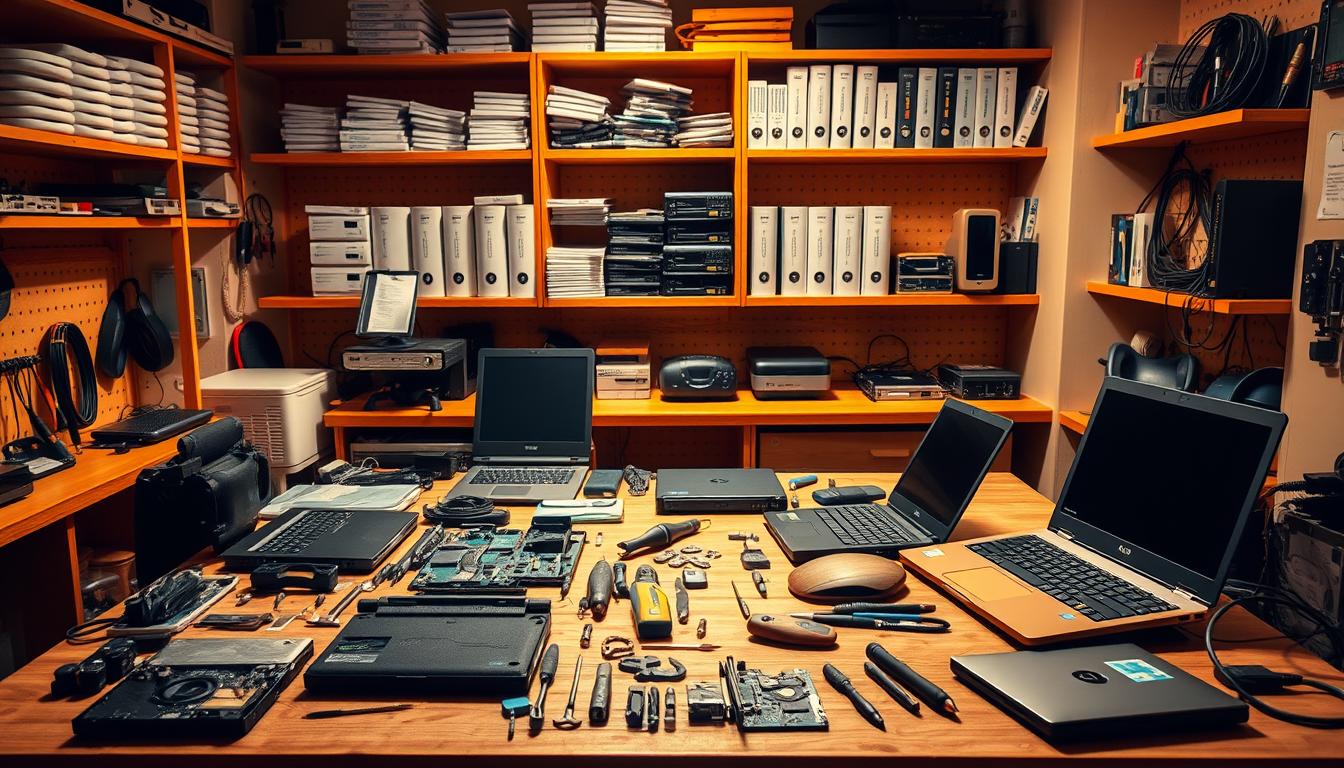
A good refurbished laptop can keep working for years past its original office life, as long as you look after it. Most ex-corporate machines, like the HP EliteBook 840 or Dell Latitude 7400, were built for daily business use, so the chassis and hinges are already tough. What decides how long yours lasts is how you treat the battery, the storage and the cooling.
Quick answer: clear the vents every few months, keep Windows 11 Pro and your drivers updated, avoid draining the battery flat, and add an SSD or more RAM before you decide the laptop is finished.
Key takeaways
- Ex-corporate laptops are built for heavy use and reward basic upkeep with years of extra service.
- Heat is the biggest killer, so keep the vents and fan clear of dust.
- A small upgrade, like an SSD or extra RAM, often revives a machine that feels slow.
- Sensible charging habits matter more than the age of the battery.
Keep it cool and clean
Dust builds up in the fan and vents, the laptop runs hotter, and heat is what wears components down fastest. Every couple of months, blow out the vents with a can of compressed air while the machine is off. Work on a hard surface rather than a bed or couch so air can move underneath.
If your laptop is throttling or the fan screams during light work, the thermal paste may have dried out. On older ThinkPads and EliteBooks a repaste is cheap and makes a real difference.
Look after the battery
Lithium batteries dislike two things: sitting at 100% all day on the charger, and being run flat to zero. Try to keep the charge roughly between 20% and 80% for daily use. If your model supports a charge threshold in the BIOS or a maker utility, set it and forget it.
Battery health matters most if you move around a lot or work through load shedding. Our guide to picking a laptop that copes with load shedding covers runtime and what to check before you buy.
Upgrade instead of replace
Before you write a slow laptop off, look at two cheap upgrades. Moving from a hard drive to a solid-state drive is the single biggest speed jump you can make, and boot times drop from minutes to seconds. Adding more RAM helps if you keep a lot of browser tabs and apps open at once.
Tip: 8GB is fine for everyday work, but 16GB is worth it if you run spreadsheets, design tools or several apps together.
Stay on top of software
Keep Windows 11 Pro updated so you get security patches and driver fixes. Uninstall software you never use, and do a proper restart now and then rather than only closing the lid. A tidy startup list keeps the machine feeling quick.
Protect it physically
A padded sleeve, a clean keyboard and a bit of care with the charging port go a long way. Carry the laptop closed, never by the screen, and keep liquids away from the keyboard. These small habits are the difference between a machine that lasts three years and one that lasts six.
The same care applies across our range of business-grade laptops, and if you eventually want more power at a fixed desk, a refurbished desktop gives you more performance per rand.
Frequently asked questions
How long should a refurbished laptop last?
With basic care, a well-graded ex-corporate laptop comfortably lasts three to five more years. Business models are built to a higher standard than consumer machines, which is why they hold up.
Is it worth upgrading the RAM and SSD myself?
Yes, if you are comfortable with a screwdriver and a short video guide. On most EliteBooks, Latitudes and ThinkPads the panel comes off easily. If you would rather not, we can fit the parts for you.
Does a refurbished laptop still get a warranty?
Every machine we sell comes with genuine Windows 11 Pro and a one-year warranty, plus seven-day returns if it is not the right fit.
Look after the cooling, treat the battery sensibly, and add an SSD when it starts to drag, and a refurbished laptop keeps pulling its weight long after the price made sense. If you want to understand how the grade you buy affects lifespan, our breakdown of what the A, B and C grades mean is a good next read.