




News
How to Choose a Refurbished PC: A Buyer’s Guide
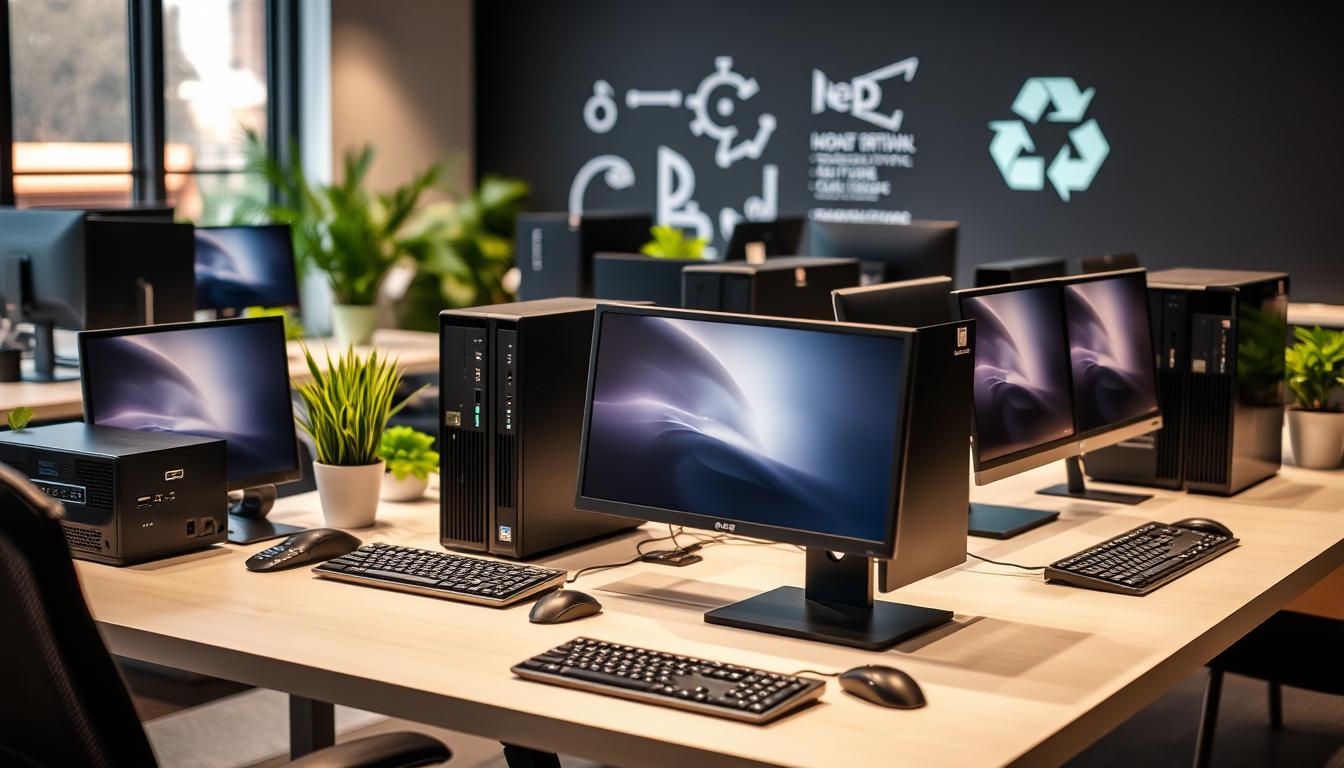
Buying a refurbished PC is mostly a question of knowing which three or four specs actually matter and ignoring the rest. Get those right and a machine that cost R25,000 new will do everything your office needs for around a fifth of that. Get them wrong and you have a slow tower nobody wants to sit at.
Quick answer: for day-to-day business use, buy a Core i5 with 8GB of RAM and an SSD, from a seller who tests the machine and gives you a written warranty.
Key takeaways
- An SSD makes more difference to how fast a PC feels than the processor does.
- 8GB of RAM is the floor for Windows 11. Accounting and heavy spreadsheet work wants 16GB.
- Current-generation Core i3 towers run about R4,750, Core i5 machines R5,450 to R5,500.
- Older office PCs from roughly R1,450 are a sensible fit for reception, POS and single-task desks.
- Check the warranty, the returns window and the data-wiping process before you pay.
Start with what the machine has to do
The most common mistake is buying on price alone and then discovering the machine cannot keep up. Write down what the person at that desk actually runs. Ten browser tabs, Outlook and Excel is a very different load to Pastel with a large company file, or to a designer opening 200MB layouts.
Once you know the workload, the spec picks itself. Most office desks are comfortably served by an 8th-generation Core i5. Reception and till machines rarely need anything close to that.
Processor: how much is enough
Generation matters more than the number after the i. An i5-8500 from 2018 will beat an i7 from 2012 on almost every measure, and it will also meet the Windows 11 requirements, which the older chip will not.
- Core i3, 8th gen or newer: browsing, email, Office, admin. Around R4,750, and the Core i3 desktop range is the cheapest way into a machine that still gets Windows 11.
- Core i5, 8th gen or newer: the default choice for most staff. Our Core i5 desktops are the biggest section of our stock for exactly that reason.
- Core i7 or Xeon: only worth the premium for CAD, rendering, video or very large data sets.
RAM and storage: where the money goes furthest
If you have R1,000 spare on a build, put it into an SSD before anything else. Boot times drop from a minute and a half to under twenty seconds, and every program opens faster. A machine with a mechanical drive feels old no matter how good the processor is.
For memory, 8GB is the practical minimum for Windows 11. Go to 16GB if the person runs accounting software, keeps thirty tabs open, or works in two systems at once. Business desktops take standard DDR4 modules, so adding memory later is cheap and takes about two minutes.
What to check before you pay
- Warranty in writing. Ours is 1 year on the machine. Anything under six months tells you how much testing was done.
- A returns window. We give 7 days, which is enough to put the PC on a desk and find out whether it fits.
- Licensed Windows. Ask specifically. Genuine Windows 11 Pro is fitted where the hardware supports it.
- Drive health. A refurbisher should be able to tell you whether the drive is new or tested used.
- Ports and form factor. Micro PCs are tidy but drop expansion slots and some ports. Check you have what your monitors and peripherals need.
Form factor: tower, small form factor, micro or all-in-one
A full tower gives you room for extra drives and a graphics card. A small form factor fits under a monitor and still takes a couple of upgrades. A micro PC mounts behind the screen and disappears, which is ideal for tills, reception and cramped classrooms, but you give up internal expansion.
All-in-ones put everything into the display. They look clean on a front desk and take up almost no space, though repairs cost more and upgrades are limited. If that trade sounds fair for the space you are fitting out, the all-in-one section is where to look.
When cheap is the right answer
Not every desk needs a modern machine. A till running a POS package, a reception PC that opens a diary and a browser, or a stock room terminal will all run happily on an older i3 or i5. Those start around R1,450 in the clearance desktop section, and buying three of them often beats buying one machine nobody needed.
Be honest about the limits, though. These machines usually cannot run Windows 11, so keep them off the internet-facing side of your business or keep them behind a firewall and away from sensitive data.
Tip: buy one machine first and live with it for a week before ordering the other fifteen. It is the cheapest way to find out that you actually needed 16GB, not 8GB.
Data security and handover
Every PC we sell is reimaged with a fresh, licensed Windows install, so nothing from the previous owner travels with it. That is the standard you should expect from any supplier, and it is worth asking about in writing when you buy in volume. We go through the detail in our piece on data security when buying refurbished machines.
Frequently asked questions
How long will a refurbished PC last?
Ex-corporate desktops routinely run five to ten more years after refurbishment. They were built for fleet use, and the parts that usually fail first, drives and power supplies, are cheap and easy to replace.
Is a refurbished PC better value than a cheap new one?
Usually, yes. A new tower at R6,000 is a low-end consumer machine with a slow processor. At the same money you can have an ex-corporate Core i5 with an SSD that was built to a far higher standard.
Can I upgrade a refurbished PC later?
On towers and small form factor machines, easily. RAM and storage are standard parts and both are quick to fit. Micro PCs and all-in-ones are more limited, so buy those closer to the spec you need.
What if the PC develops a fault?
It is covered by the 1-year warranty. Contact us and we will repair or replace it. If the machine simply is not right for the desk, the 7-day return window covers that instead.
Choosing a refurbished PC comes down to matching the spec to the desk and buying from someone who stands behind the machine afterwards. Have a look through our refurbished desktop stock if you know roughly what you need, or read our rundown of which PC brands are worth buying refurbished if you are still deciding. Staff who work off-site are better served by a refurbished business laptop, and the same buying logic applies there.