




News
Advantages of Buying Refurbished Computers
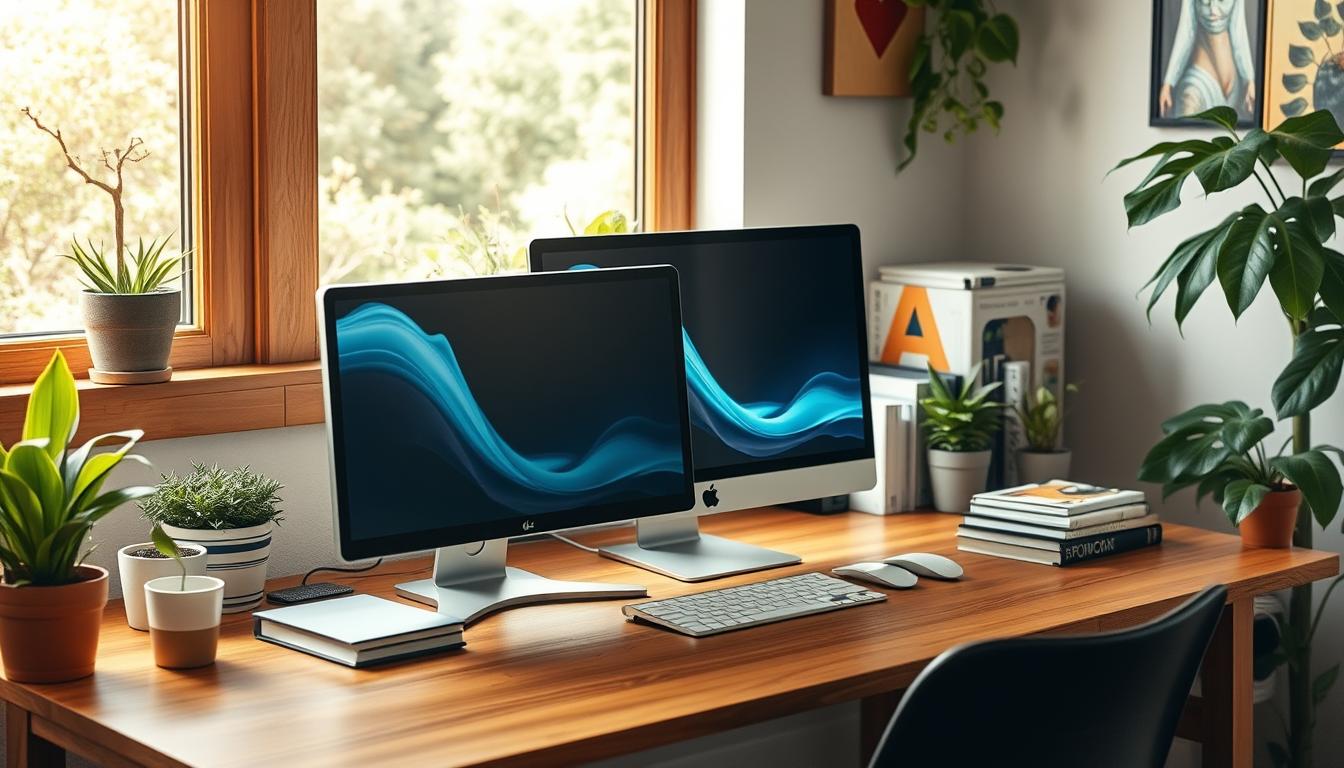
A refurbished desktop is the least glamorous purchase in IT and often the smartest one. For the price of a mid-range new PC you can put a properly built ex-corporate machine on every desk in a small office, with a warranty behind each one. If the computer is going to sit in one place and do ordinary work, there is very little argument for buying new.
Quick answer: refurbished desktops cost roughly half of new, use business grade components designed to run all day, are easy to upgrade, and come with a one year warranty and genuine Windows 11 Pro.
Key takeaways
- Ex-corporate desktops start around R3 392 including VAT, which is well below the cost of a comparable new machine.
- Business desktops are designed for eight hour days over several years, unlike most budget consumer towers.
- RAM, storage and sometimes the graphics card can be upgraded later, so the machine grows with you.
- Buying refurbished keeps working hardware out of South Africa’s growing e-waste stream.
- Every unit we sell is tested, wiped, loaded with genuine Windows 11 Pro and covered for a year.
The price difference is not small
An HP 260 G2 with a Core i3 sits at about R3 392 including VAT at the time of writing. A Lenovo M80Q or HP 800 G6 mini with a 10th generation Core i3 runs near R7 475. Those are complete, tested, licensed machines, not bare shells.
Put that next to the cost of equipping a five person office with new PCs and the maths does the arguing for you. The saving is usually enough to add decent monitors, which do more for daily productivity than a faster processor ever will. Our refurbished desktop range is where most of that stock sits.
You are buying better components, not worse ones
This is the part people miss. A three year old HP EliteDesk or Dell OptiPlex was built for a corporate environment: better power supply, better cooling, tighter tolerances, longer manufacturer support. A brand new entry level tower at the same price was built to hit a price point.
In a workshop we see the consequences. Business machines come in with a failed drive or a dusty fan. Cheap consumer towers come in with failed power supplies and warped boards. If reliability matters more than the year on the box, refurbished business hardware wins.
Upgrades are straightforward
Desktops give you room to work. Adding memory or swapping in a larger SSD takes minutes and costs very little, and on a full size tower you can add a graphics card later if the work changes.
That flexibility is why a Core i3 machine is often the sensible starting point for a school or an NGO. Buy the chassis now, add RAM when the budget allows. If you know from the start that the work is heavier, a Core i5 desktop handles multitasking and larger spreadsheets more comfortably.
Choosing the right form factor
- Small form factor and mini PCs: tiny footprint, quiet, ideal for reception desks, point of sale counters and cramped offices.
- Mid tower: the most upgradeable option and the easiest to service.
- All in one: screen and computer in one unit with a single cable. Neat for front-of-house use, though harder to upgrade. Our all in one machines are popular with practices and small reception areas.
Tip: for a shared office, buy one model in quantity. Identical machines mean one Windows image, one set of spare parts and a much easier life for whoever supports them.
What to check before you buy
The specification questions are the same ones you would ask about a laptop, with one addition: check what is included. Some refurbished desktops ship as the tower only, without keyboard, mouse or monitor.
- Processor generation matters more than the i3, i5 or i7 label.
- 8GB of RAM is the working minimum for Windows 11 Pro.
- Insist on an SSD. A mechanical drive will make an otherwise capable machine feel broken.
- Check the ports against your monitors. Older units may have VGA or DisplayPort rather than HDMI.
Brand consistency helps too. Sticking to one manufacturer, such as our Dell desktop stock, keeps drivers and spares predictable across a fleet.
The environmental case
Manufacturing a new computer accounts for the bulk of its lifetime carbon footprint, most of it before the machine is ever switched on. Extending the working life of an existing PC by three or four years avoids that entirely, and keeps a functional device out of the waste stream. For organisations reporting on sustainability, refurbished procurement is one of the few IT decisions that saves money and reduces impact at the same time.
Where refurbished is the wrong call
Be honest about the workload. Heavy 3D rendering, modern gaming and high end video production need current graphics hardware that ex-corporate desktops usually lack. Machines that need to run specialised software with strict hardware requirements should also be checked carefully first.
If staff need to work from home or move between sites, a desktop is the wrong shape entirely and you should be looking at refurbished laptops instead. It is also worth understanding what the refurbishment process actually involves before comparing sellers, since the word is used very loosely.
Frequently asked questions
How long will a refurbished desktop last?
Business grade desktops routinely run for another four to six years after refurbishment. There is no battery to degrade, and the parts that do wear out, chiefly the drive and the fans, are cheap to replace.
Do refurbished computers come with an operating system?
Every machine we sell ships with genuine, activated Windows 11 Pro. That is worth confirming with any seller, because an unlicensed install stops receiving security updates.
What warranty do I get?
One year on every unit, plus a seven day return window if the machine is not what you expected. We deliver nationwide.
Can I buy in bulk for an office or school?
Yes, and it is a large part of what we do. Tell us how many machines you need and what they are for, and we will quote on matching units. Where budget is the binding constraint, our clearance desktops stretch a fixed amount considerably further.
The honest summary is that refurbished desktops suit most ordinary computing perfectly well and cost a fraction of the alternative. Work out what the machines actually have to do, decide how many you need, then let the budget decide the specification. If you would rather talk it through than scroll through listings, get in touch and we will put a quote together.