




News
How to properly refurbish and recycle old electronics
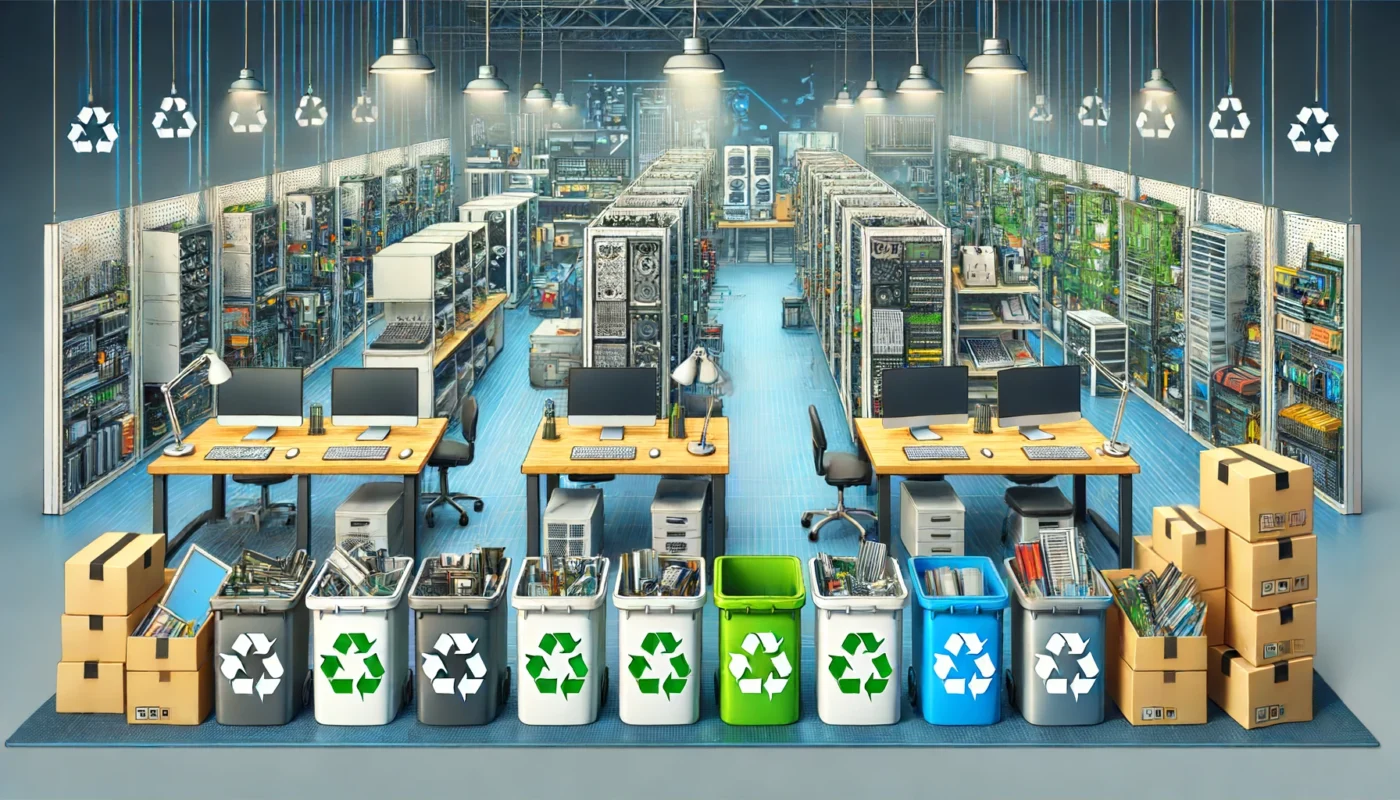
Most of the old electronics sitting in South African cupboards are not broken. They are slow, or the charger went missing, or something newer arrived. Knowing whether to refurbish, donate or recycle a device saves you money and keeps material out of the waste stream, and the decision usually takes about ten minutes.
Quick answer: if the screen and body are sound and the machine still powers on, refurbish it. If it is genuinely dead, take it to a registered e-waste handler, never the municipal bin.
Key takeaways
- Wipe your data before the device leaves your hands, whatever you decide to do with it.
- An SSD and a memory upgrade rescue most laptops that feel too slow to keep.
- Working equipment you no longer need is worth far more to a school or an NGO than to your cupboard.
- Dumping electronic waste at landfill is no longer permitted in South Africa.
- Keep chargers, cables and docks with the device, because separated accessories make reuse much harder.
Start with the data, not the hardware
This is the step people skip. Photos, saved passwords, banking apps and work documents all live on that drive, and deleting a folder or running a quick format does not remove them.
- Back up anything you want to keep to an external drive or cloud storage.
- Sign out of accounts and deauthorise the device where the service allows it.
- Use a full drive wipe, or remove the drive and keep it if the device is being scrapped.
- For company equipment, keep a written record of what was wiped and when.
Decide: repair, refurbish, rehome or recycle
Run through it in this order.
- Repair if one component has failed and the rest is fine. Batteries, keyboards, screens and drives on business models are usually available and worth fitting.
- Refurbish if it works but drags. This is the most common outcome and the cheapest.
- Rehome if it works and you simply do not need it. Somebody does.
- Recycle only when the board is dead or the cost of repair exceeds what the machine is worth.
What a home refurbishment looks like
For a laptop or tower that still boots, the order of work is straightforward:
- Fit an SSD if it still has a mechanical hard drive. Nothing else comes close for the money, and we cover the reasons in detail in our note on moving an older machine to solid state storage.
- Take RAM to 8GB or 16GB if the board allows it.
- Do a clean Windows installation rather than trying to repair years of accumulated software.
- Blow out the fan and heatsink and replace the thermal paste if the machine runs hot.
- Check battery health and budget for a replacement if it is below about half its original capacity.
Once it is running again, a little maintenance keeps it that way. Our guide to keeping a working laptop in good condition covers the routine.
Tip: check the model number against the manufacturer’s support page before you buy parts. HP, Dell and Lenovo publish full service manuals for their business ranges, which tells you exactly what fits and how to get into the chassis.
When it is not worth saving
Some machines have reached the end. A cracked board, liquid damage across the motherboard or a chassis so old that no drivers exist for a current operating system are all reasonable places to stop. Parts still have value, so a workshop will often strip a dead unit for its screen, RAM and drive before the shell goes for processing.
If you are replacing rather than repairing, a refurbished business laptop costs a great deal less than a new consumer model and is built better. Machines with heavier cosmetic wear are grouped in our clearance range, where the marks are on the outside and the internals are tested the same way as everything else. For a machine that stays on a desk, a refurbished desktop gives you the most computing for the money and is the simplest thing in the world to upgrade later.
Recycling it properly in South Africa
Electronic waste cannot legally go to landfill here, and household bins are landfill. Use a registered e-waste handler or a retailer take-back programme instead. A few practical points:
- Take batteries in with the device rather than binning them separately.
- Ask for a disposal certificate if the equipment belonged to a business.
- Do not strip out the valuable bits and dump the rest. The residual material is the part that needs proper handling.
- Old CRT monitors and printers count too, and both need specialist processing.
Frequently asked questions
Is it worth upgrading an old laptop or should I just replace it?
If it is a business model with a good screen and keyboard, an SSD and RAM upgrade for a few hundred rand often buys you another two or three years. If the chassis is failing or the machine cannot run Windows 11, replacing makes more sense.
How do I wipe a drive properly?
Use a full disk erase rather than a standard format. On modern SSDs the manufacturer’s secure erase tool is the quickest route. If the drive is faulty and will not respond, remove it and destroy it physically.
Can I donate a computer that is quite old?
Yes, provided it powers on, holds a charge and has a clean operating system. Include the charger, and be honest about the condition so the receiving school or organisation can plan around it.
What do you do with machines that cannot be refurbished?
We harvest the working components to keep other machines going and send the rest for proper processing. Everything we sell is tested, loaded with genuine Windows 11 Pro and covered by a 1 year warranty with 7 day returns.
Worth the ten minutes
Old equipment loses value every month it sits unused, and the fix is rarely complicated. Wipe it, work out honestly whether it can be saved, and then either put it back to work or hand it to someone who processes it properly. Both outcomes beat a drawer.