




News
How to Clean and Maintain Your Refurbished Laptop
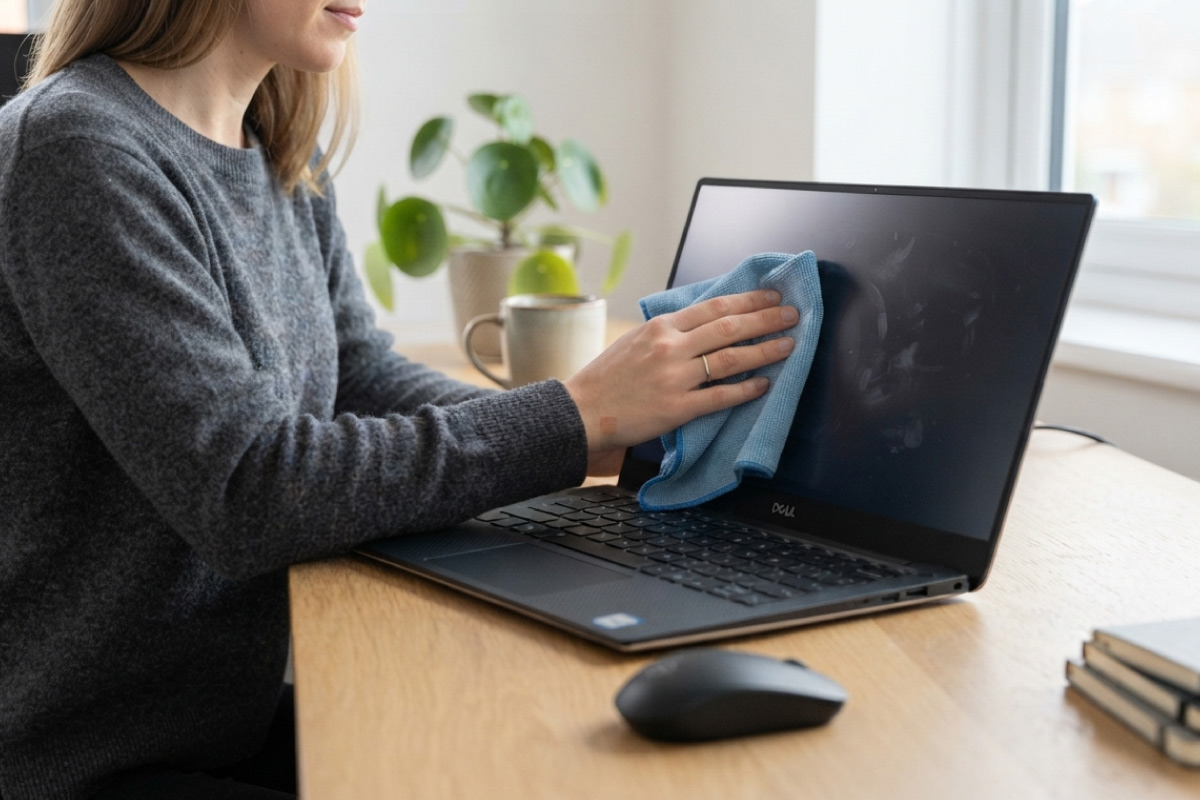
A refurbished laptop that gets a little regular care will comfortably outlast one that never sees a cloth or a software update. Cleaning takes a few minutes a week, costs almost nothing, and protects the money you saved by buying refurbished in the first place. This guide covers how to clean and maintain your refurbished laptop properly, from the screen down to the battery.
Quick answer: wipe the screen and keyboard weekly with a microfibre cloth, clear the vents every month, keep Windows updated, and check battery health every few months.
Key takeaways
- Dust blocking the vents is the most common cause of overheating and fan noise.
- Never spray liquid directly onto a laptop. Dampen a cloth first, then wipe.
- A tidy startup list and regular Windows updates keep older hardware feeling quick.
- When performance drops, an SSD or memory upgrade usually costs far less than a new machine.
Start with the screen and keyboard
Switch the laptop off and unplug it. Wipe the screen with a dry microfibre cloth, working in straight lines rather than circles. For stubborn marks, dampen the cloth slightly with plain water.
Keyboards collect crumbs, skin oils and dust. Tilt the machine and tap gently to dislodge loose debris, then wipe the keys with a cloth lightly dampened with isopropyl alcohol. A soft brush or a can of compressed air gets into the gaps between the keys.
Tip: never spray anything directly onto the screen or keyboard. Liquid that runs behind the bezel or between the keys can reach the motherboard.
Keep the vents and cooling clear
Heat is the enemy of any laptop, new or refurbished. When dust blocks the intake vents the fan works harder, the machine throttles performance, and components age faster. Once a month, hold a can of compressed air a few centimetres from the vents and give them short bursts. Do this outside if you can.
Business machines like the HP EliteBook 840 and Lenovo ThinkPad T490 are designed for easy servicing, which is one reason ex-corporate stock makes such a good refurbished buy. The same habit applies to desktops. Tower cases pull in far more dust than laptops, so if you run a refurbished desktop computer alongside your laptop, give its vents and fans the same monthly attention.
Look after the software too
Physical cleaning is half the job. The rest happens in Windows:
- Install Windows updates when they arrive rather than postponing them for months.
- Open Task Manager, go to the Startup tab, and disable anything you do not use daily.
- Uninstall programs you no longer need. They take up disk space and often run background services.
- Restart the machine at least once a week instead of only ever closing the lid.
Every laptop we sell ships with genuine Windows 11 Pro installed and activated, so updates come straight from Microsoft with no licence complications.
Battery care that actually helps
Avoid running the battery flat on a regular basis, and try not to leave the laptop plugged in at 100% around the clock. Heat degrades batteries faster than charge cycles do, which is another reason to keep those vents clear. To check battery condition, run powercfg /batteryreport in Command Prompt and compare design capacity with full charge capacity. We cover this in more detail in our guide to improving battery life on a refurbished laptop.
When cleaning is not enough, upgrade
If the machine still feels slow after a clean-up, the fix is usually storage or memory rather than a new laptop. Swapping an old hard drive for a refurbished SSD is the single biggest speed improvement you can make, and adding extra memory helps if you keep many browser tabs or big spreadsheets open. Both upgrades cost a fraction of a replacement machine.
Frequently asked questions
How often should I clean my refurbished laptop?
Wipe the screen and keyboard weekly and blow out the vents monthly. A deeper clean twice a year is plenty for most users.
Can I open the laptop myself to clean inside?
Our machines carry a 1-year warranty, so speak to us before opening the case. External cleaning with compressed air handles most dust problems without any disassembly.
What should I never use to clean a laptop?
Household glass cleaners, ammonia-based products and paper towels. Ammonia damages screen coatings and paper towels leave fine scratches. Stick to a microfibre cloth.
A few minutes of care each week is all it takes to keep a refurbished machine running well for years. And when the time comes to replace or add a machine, our business-grade refurbished laptops from HP, Dell and Lenovo come with that same 1-year warranty and 7-day returns. For more ways to stretch your hardware budget, see our tips on extending the lifespan of your laptop.