




News
Buying Guide: How to Spot a High-Quality Refurbished Laptop
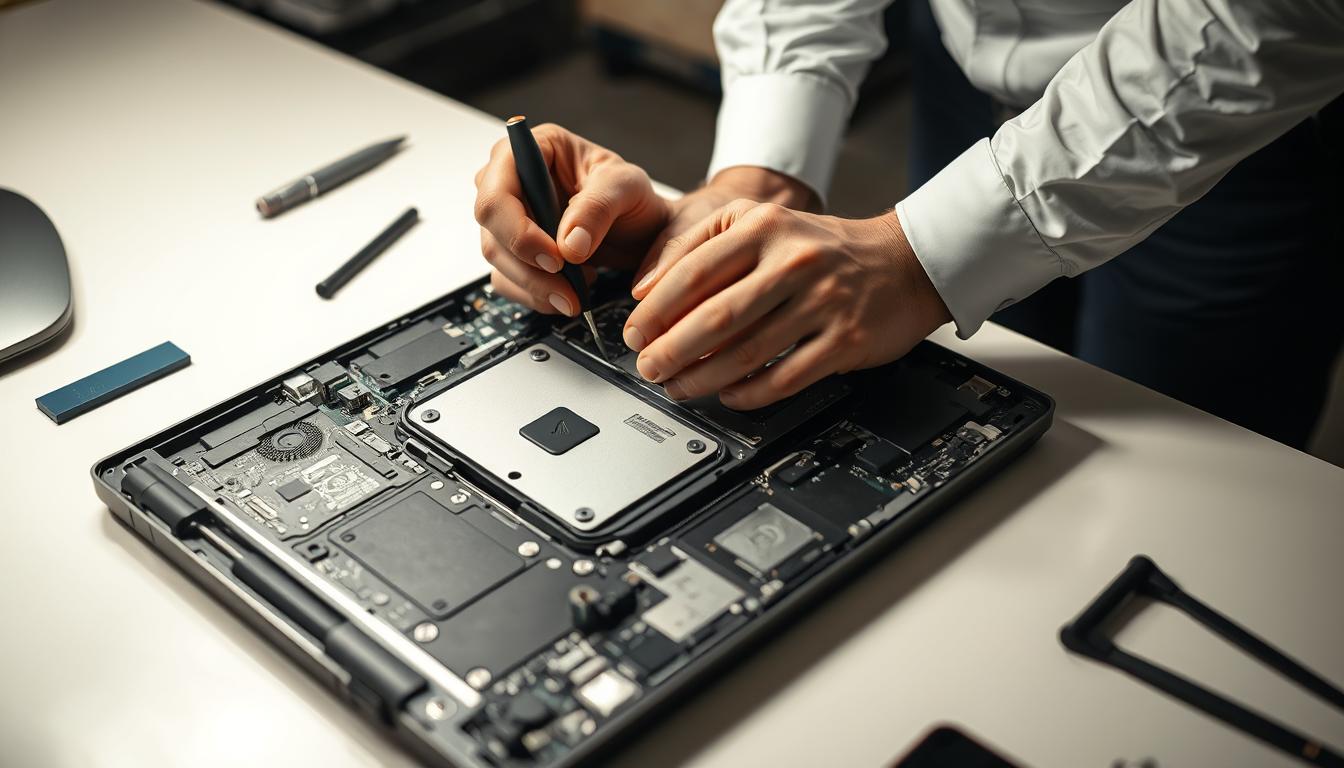
A good refurbished laptop does everything a new one does at roughly half the price. The catch is that quality varies wildly between sellers, and the difference rarely shows up in the product photo. This buying guide covers the checks we run on every machine that passes through our workshop, so you can spot a high-quality refurbished laptop before you pay for it.
Quick answer: buy from a seller that states the cosmetic grade, backs the machine with a proper warranty, and is upfront about battery health. If any of those three is missing, keep shopping.
Key takeaways
- Ex-corporate stock is the best source. Business machines like the HP EliteBook 840 and Dell Latitude 7400 are built for years of daily office use and usually retire with plenty of life left.
- The grade describes cosmetic condition, not performance. A Grade B laptop works exactly like a Grade A one.
- Warranty length is the clearest quality signal. A 30-day warranty tells you the seller does not trust their own stock.
- Confirm the operating system is genuine and activated before you buy.
Start with the source
Where a laptop spent its first life matters more than almost anything else. Most of the refurbished laptops we sell come off corporate fleets, where they were bought on three-year business leases, serviced by IT departments and handled far more gently than the average home machine.
Consumer laptops from retail ranges are a different story. They are built down to a price, and they age faster. That service history is also why refurbished is not the same as second-hand: a used laptop is sold as-is, while a refurbished one has been tested, repaired where needed, and graded before resale.
Understand the grade before comparing prices
Reputable sellers grade their stock A, B or C. Grade A looks close to new. Grade B shows honest signs of office life, light scratches on the lid or shiny keys. Grade C has visible wear but works perfectly. The grade covers cosmetics only; internals are tested to the same standard across all three.
This is where the bargains hide. A Grade B Dell business laptop with the same processor, RAM and SSD as its Grade A twin often costs hundreds of rand less, and after a week you stop noticing the scratch. We wrote a full breakdown of what the A, B and C grades actually mean if you want the detail.
The spec that actually matters
Ignore the marketing copy and read the spec sheet. For everyday work in 2026 you want an SSD rather than a spinning hard drive, at least 8GB of RAM, and an 8th generation Intel Core processor or newer so Windows 11 runs properly.
For most people the sweet spot is a Core i5 business laptop with 8GB or 16GB of RAM. That spec handles email, a browser full of tabs, Office and video calls without complaint. Machines like the Lenovo ThinkPad T490 and HP ProBook 450 hit it at a price that makes new entry-level laptops look like poor value.
Warranty and returns tell you more than photos do
Photos can be staged. Warranty terms cannot. A seller who tests stock properly can afford to stand behind it, which is why we give a 1-year warranty and a 7-day return window on every machine. If a listing offers 30 days or nothing at all, the low price is doing a lot of heavy lifting.
Read the returns policy before you order, not after. You want plain language about what happens if the laptop arrives faulty, who pays the courier, and how long a repair or replacement takes.
Check these the day it arrives
- Open and close the lid slowly. Hinges should feel firm, with no creaking.
- Type on every key and click every corner of the trackpad.
- Look for dead pixels against a plain white background.
- Confirm Windows is activated under Settings, System, Activation.
- Check the charger is the correct wattage and not a cheap generic.
Tip: run powercfg /batteryreport in Command Prompt on day one. Thirty seconds of effort gives you the battery’s original design capacity next to its current capacity, in writing.
What a fair price looks like
Refurbished pricing in South Africa covers a wide band. Older dual-core machines suited to browsing and schoolwork sit in the under R3 000 bracket, while strong everyday business laptops cluster under R10 000. If a deal sits far below those ranges for the spec on offer, ask why. Mis-graded or failing stock is usually priced to move fast.
Working at a desk instead?
Everything above applies to desktops too. If the machine will spend its life on a desk, a refurbished desktop computer gives you more performance per rand than a laptop, plus easier upgrades later.
Frequently asked questions
How long should a refurbished laptop last?
A business-grade machine that is three years old typically has another three to five years of useful life. Fleet laptops are engineered for long duty cycles, which is why they hold up.
Is a Grade C laptop worth buying?
Often, yes. If the screen is clean and the price reflects the cosmetic wear, Grade C is the cheapest way into business-grade hardware. Just confirm the wear really is cosmetic and the warranty matches the rest of the range.
Do refurbished laptops come with Windows?
They should. Every laptop we sell ships with genuine Windows 11 Pro installed and activated. If a seller is vague about licensing, treat that as a warning sign.
Spotting a quality refurbished laptop comes down to four questions: where did it come from, what grade is it, what spec is inside, and who stands behind it if something goes wrong. Ask those four and the duds eliminate themselves. If you get stuck choosing between two models, phone us and we will give you a straight answer, even if that answer is to buy the cheaper one.