




News
Must-Have Accessories for Your Refurbished Laptop
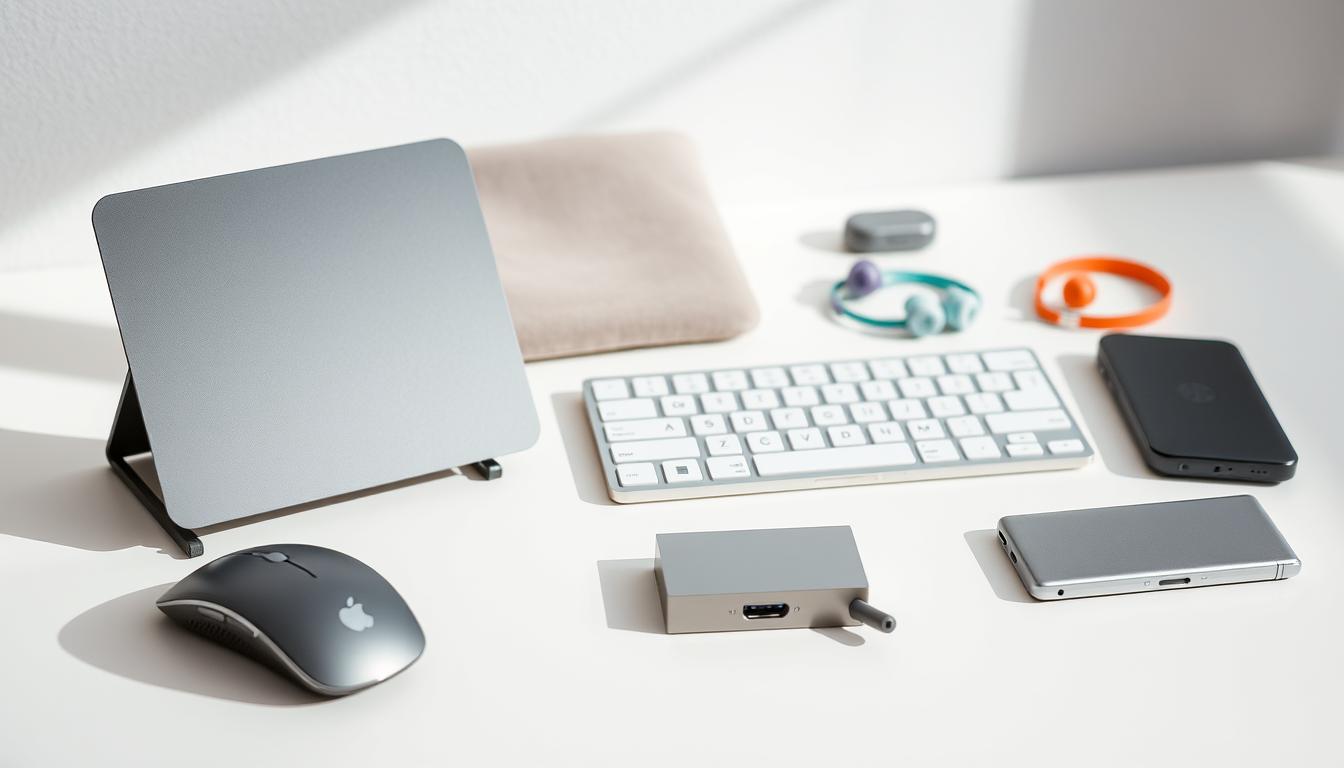
A refurbished laptop already gives you business-grade hardware for less, and the right accessories make it far nicer to live with. A few well-chosen extras improve your posture, protect the machine and turn a portable laptop into a proper desk setup when you need one. None of it has to cost much.
Quick answer: the accessories worth buying first are a laptop stand, an external keyboard and mouse, a second monitor, a padded sleeve and a decent charger or power bank.
Key takeaways
- A stand plus an external keyboard and mouse fixes the neck and wrist strain of laptop-only work.
- A second monitor is the biggest productivity upgrade most people can make.
- Protection like a sleeve and a surge plug pays for itself the first time it saves your laptop.
- An SSD or RAM upgrade counts as an accessory too, and it is often the cheapest speed boost.
Sort out your posture first
Working hunched over a laptop all day is hard on your neck and wrists. A simple stand lifts the screen to eye level, and an external keyboard and mouse let your arms sit naturally. It is the cheapest health upgrade you can buy, and it makes long days far more comfortable.
Add a second screen
Once you have worked with two screens, going back to one feels cramped. A second monitor lets you keep email or a reference document open while you work, which saves a lot of clicking back and forth. If you are choosing one, our guide to picking a refurbished monitor walks through the sizes and ports that matter.
Keyboards, mice and the small stuff
A comfortable keyboard and mouse are worth spending a little on, since your hands are on them all day. A USB hub or dock is handy if your laptop is short on ports, and a bag or sleeve keeps the machine safe on the commute. We cover the best value options in our roundup of keyboards, mice and setup accessories.
Tip: a docking station turns your laptop into a desktop in one cable, so you plug in once and everything connects at your desk.
Upgrades that count as accessories
Some of the best add-ons live inside the laptop. Fitting an SSD makes an older machine feel new, and a stick of extra memory helps if you run a lot at once. You will find these and other bits in our computer parts section.
Power and protection
Keep a spare charger for the days you forget yours, and use a surge-protected plug or a small UPS so a power spike never reaches the laptop. A power bank that supports laptop charging keeps you going through load shedding. These cost little next to replacing a damaged machine.
Frequently asked questions
Which accessory should I buy first?
A stand with an external keyboard and mouse, if you work at a desk. It costs little and immediately improves comfort. A second monitor is the next step for productivity.
Will desktop accessories work with my laptop?
Yes. Standard USB and HDMI keyboards, mice and monitors work with laptops and with a refurbished desktop alike, so nothing goes to waste if you switch machines.
Do accessories affect my warranty?
Plug-in accessories do not. Internal upgrades are fine too. If you would like us to fit an SSD or RAM, we can do it and keep your one-year warranty intact.
Start with comfort, add a second screen, then protect the machine and speed it up from the inside. A modest spend on the right extras gets far more out of a refurbished laptop than most people expect.